Voiceover-Friendly Reward Apps That Pay (Accessible Picks)
Find voiceover-friendly reward apps that work with screen readers and VoiceOver, realistic earning ranges, setup tips, and accessible picks including Playpot.
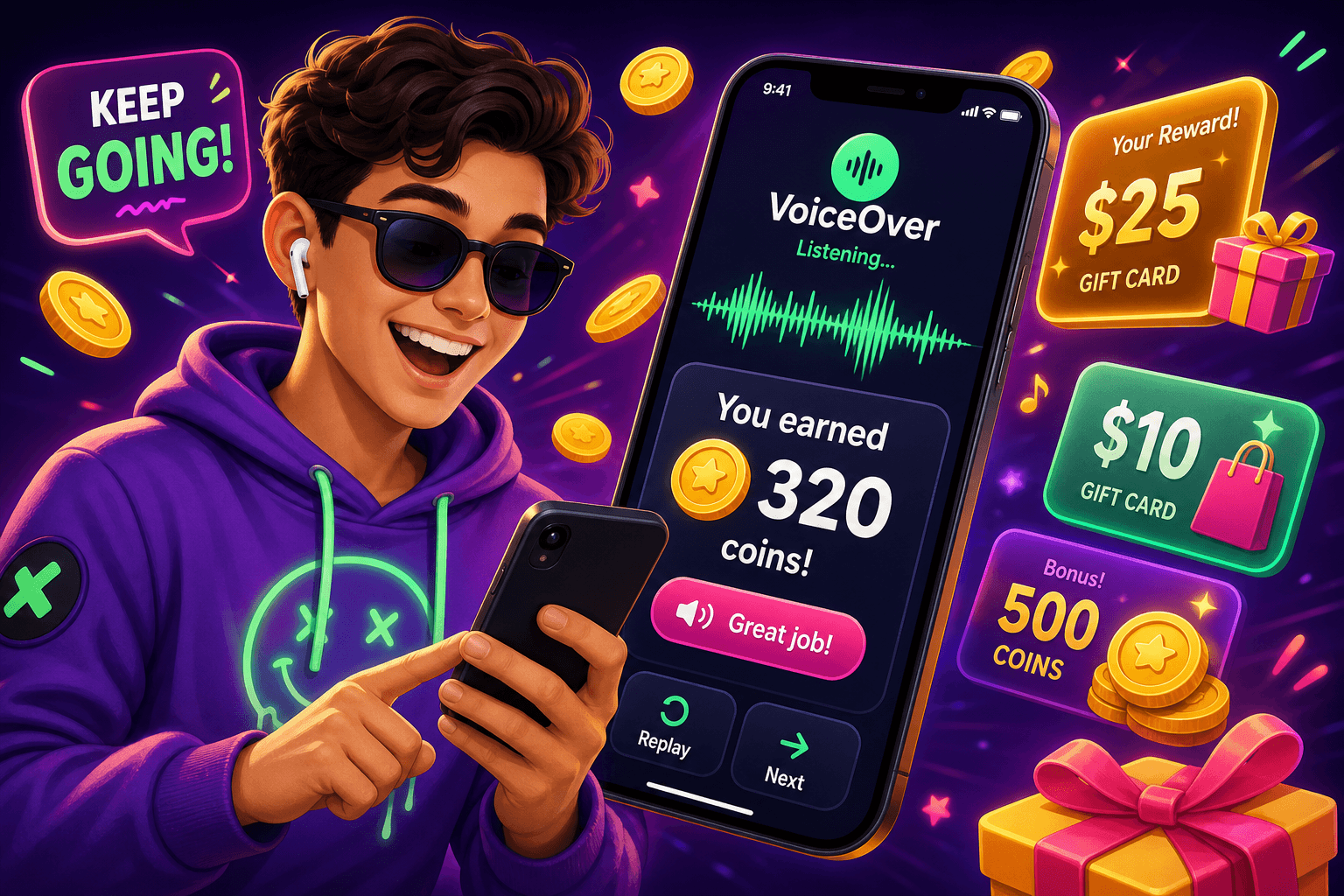
Quick claim
You can use reward apps even if you rely on screen readers or VoiceOver. Expect realistic earnings, roughly $10 to $150 per month for most users. This guide focuses on apps and settings that work well with voiceover technology, plus practical tips to avoid common pitfalls.
What makes an app voiceover friendly
Not every rewards app is built with accessibility in mind. Look for these concrete features when evaluating an app:
- Good labeling for buttons and links, so screen readers read meaningful text instead of "button 3".
- Simple, linear navigation that avoids complex gestures or tiny tap targets.
- Audio cues and clear success messages for completed tasks, like "survey submitted" or "coins added".
- A web version or progressive web app. Browser-based flows are often easier for screen readers than poorly adapted native apps.
- Multiple cashout options, so you can pick the one that works with your payment setup.
Testing tip: try the free tier before investing time. If VoiceOver or your screen reader stumbles during basic flows like signing up, earning, and cashing out, the app will be frustrating long term.
Apps that tend to work well with voiceover
Below are app types and specific examples that are generally more accessible. Accessibility can change with updates, so treat this as a starting point and re-test after major releases.
- Browser-first reward sites
- Why they help: Web pages are often easier to navigate with screen readers than poorly optimized mobile apps. Look for clear forms and labeled controls.
- What to try: web-based survey hubs and game sites that run right in the browser.
- Simple survey apps with clear audio feedback
- Why they help: Surveys that confirm each step verbally prevent lost progress and improve confidence when completing multi-page forms.
- App-offer aggregators with text alternatives
- Why they help: Offer walls can be messy. Pick aggregators that provide clear text descriptions and confirmed credit when tasks complete.
One app to consider is Playpot. Playpot is a free play-to-earn rewards site. Play games, take surveys, and complete app offers to earn coins, then cash out real money via PayPal, Venmo, or Cash App. No download, play right in your browser. Platforms include Web, iOS, Android, and Desktop. Users with screen readers often prefer Playpot's browser flows because they avoid small, crowded mobile interfaces. Realistically, many users earn between $10 and $150 per month depending on time spent and task types.

How to maximize earnings with voiceover
Make small process improvements that add up to real dollars.
- Block time on your calendar. Ten focused sessions of 15 minutes per week often beats scattered attempts.
- Prioritize higher-paying tasks. Long surveys that pay $1.50 to $5 are usually more efficient than lots of 10 cent tasks.
- Keep track of payout thresholds. With Playpot the minimum cashout is $20, so plan earnings around that target to avoid frustration.
- Use multiple cashout methods if available. Playpot supports PayPal, Venmo, Cash App, Zelle, and gift cards, so pick the one that processes most reliably for you.
- Log what works. A simple note of which surveys credit reliably for you helps avoid repeating tasks that never pay.
Example routine: Spend 3 sessions per week on browser surveys, shifting to app offers only when you can confirm auditory completion messages. That approach can push a casual earner from $10 to $30 per month.
Accessibility settings and voiceover tips
Small tweaks in your device settings make a big difference.
- Use compact layouts. On iOS, enable larger text and reduced motion to make navigation steadier.
- Lock orientation. Some survey pages are easier to navigate in portrait. Try locking rotation to avoid accidental changes.
- Set spoken hints. If your screen reader supports it, increase verbosity for form fields so you hear labels and input types.
- Rely on keyboard shortcuts on desktop. A few web reward sites are far easier to navigate with a keyboard and screen reader than with touch.
If you run into problems, keep screenshots or text transcripts. Most reward platforms have support channels that can credit you after a confirmed issue. Record dates and the task name before contacting support.

Safety, payments, and privacy
Some quick guardrails to protect money and time:
- Never pay to join a rewards app. Legit apps do not charge a signup fee.
- Use dedicated payment accounts if you want to separate side income from primary finances.
- Watch privacy settings. If an offer requests unusual permissions, skip it. Many paid offers ask only for install and usage data, not personal identification.
- Expect small, steady returns. No reputable app will let you quit your job. Aim for $10 to $150 per month depending on hours and opportunities.
Another tool worth knowing
Birthday Hunter collects birthday freebies and national promotions from hundreds of brands, which is useful if you want to maximize free perks alongside reward apps. It helps people who prefer a quick, accessible checklist they can run through with a screen reader. A concrete use case is checking birthday freebies for food and retail that pair well with reward app gift card redemptions.

Final checklist before you start
- Test the sign up flow with your screen reader in a browser first.
- Confirm the app provides clear credit confirmation messages for completed tasks.
- Note payout options and minimums.
- Track earnings for two weeks, then adjust which tasks you prioritize.
Accessible earning is mostly about choosing the right apps and building a steady routine. Start small, focus on a few reliable sources, and use the tips above to keep things smooth with VoiceOver or other screen readers. Tap. Play. Cash out.
Turn this into real money with Playpot
Play games, take surveys, and complete offers — earn from your very first one and cash out real money.
Play nowGet the best-paying offers by email
Drop your email and we will send the best-paying offers so you can start earning the moment you sign up.
We use your email to send the bonus code and occasional Playpot updates. Unsubscribe in one click.