Verify an app's payout with one small offer
How to test an app's payout claims using one small offer: step by step checks, what to document, payment options, red flags, and a Playpot example.
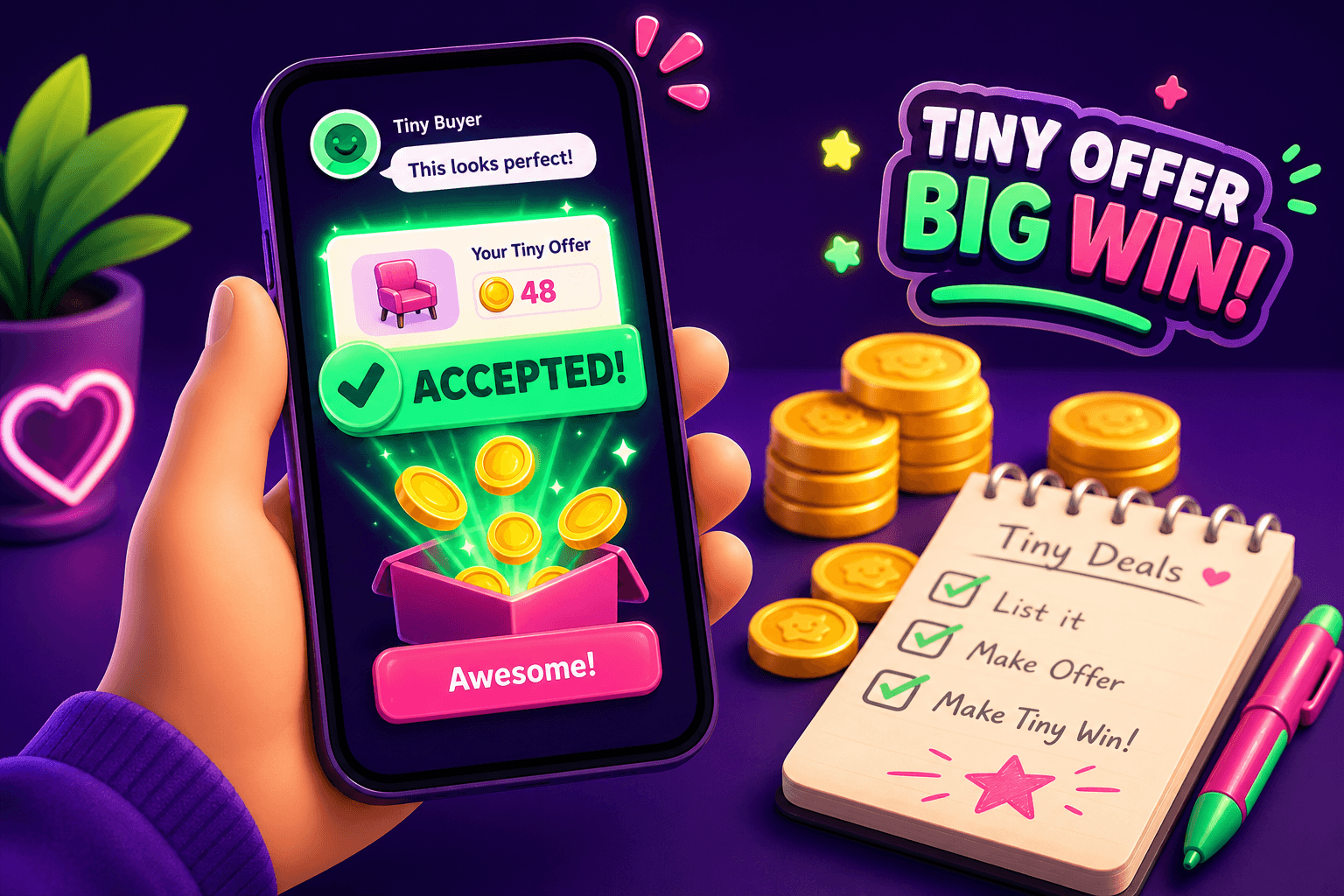
Quick claim test you can do in 20 minutes
Suspect an app will not actually pay? Instead of trusting reviews, use one small offer to verify the payout flow. The goal is to limit risk, confirm timing, and prove that the app will deliver real money to a real account. This method works whether the app promises PayPal, gift cards, or other rewards.
Keep expectations realistic. Most legit play-to-earn and rewards apps pay $10 to $150 per month for most users. A one-off test will not show long term income, but it will tell you whether the app is honest about paying at all.
Why one small offer is the smartest first step
A single small offer limits exposure. If the app is a scam you lose only a tiny amount of time and data. If it pays, you know the payout channel works and you can decide whether to invest more time.
Testing one offer also helps you verify these things: timing, exact payout amount, whether support responds if something goes wrong, and whether the app reports accurate reward activity. You also learn if there are unexpected fees or identity checks that block cashouts.
How to pick the right offer
-
Choose low risk: pick surveys, short tasks, or watch-to-earn offers that do not require a credit card or bank routing number. Avoid free trial offers that require a card unless you are comfortable cancelling.
-
Pick small value: aim for an offer that promises $0.50 to $5 in value. That amount is enough to prove an app pays without exposing you to large commitments.
-
Check payout type: prefer offers that pay to PayPal, Venmo, Cash App, Zelle, or gift cards. Those are easy to verify because transactions show up in your account history.
-
Read the fine print: see the expected payout window and any minimum cashout threshold. If an app has a $20 minimum cashout, a $1 offer alone will not let you withdraw. You can still verify that earned credits appear in the app, but you may need to test an app with a lower threshold or a direct gift card option to complete a full cashout test.

Step by step: doing the small-offer test
-
Create a fresh, minimal account. Use a burner email if you want to keep your main email separate. Do not give out SSN or bank routing details for a simple test.
-
Document everything. Screenshot the offer page, the terms that promise payment, the confirmation screen after you complete the task, and the in-app balance or activity entry that shows the reward.
-
Complete the offer exactly as required. Keep precise timestamps. If it is a 10 minute survey, note start and end times.
-
Wait the promised window. Many offers credit instantly, some take 24 to 72 hours, and some take up to 30 days. Respect the stated window before escalating.
-
If the app shows credits, attempt a small redemption via the app's listed payout method. If the app's minimum cashout prevents a real withdrawal, look for instant gift cards or trial redemption options to complete the test.
-
Check your external account. If the app says it paid via PayPal, look for the payment in your PayPal activity. If you receive a code for a gift card, redeem it right away.
-
If something goes wrong, open a support ticket and document response times. Poor or no support is a major red flag.
What to watch for, and common red flags
- Excessive delays beyond the stated payout window with no communication.
- Vague terms, or a requirement to recruit others before you can cash out.
- Requests for sensitive info like Social Security number or bank routing for a tiny reward.
- Payments arriving for a different amount than promised, or being blocked by unknown fees.
- Support that never replies, or gives boilerplate answers and never resolves the issue.
If you see any of these, stop interacting and do not upgrade to paid tiers or trials. A one-off test should be enough to tell you whether to continue.

One example to make this concrete: Playpot
Playpot is a free play-to-earn rewards site. Play games, take surveys, and complete app offers to earn coins, then cash out real money via PayPal, Venmo, or Cash App. No download, play right in your browser. Reward methods include PayPal, Venmo, Cash App, Zelle, gift cards. Platforms are Web, iOS, Android, Desktop. Tagline: Tap. Play. Cash out.
Because Playpot's min cashout is $20, a single small offer that pays $1 may not let you withdraw immediately. For Playpot and similar apps, use the small-offer test to confirm that earned coins appear and that support honors redemptions once you reach the threshold. Keep documenting timestamps and transaction IDs, and consider combining a few small offers until you reach the minimum to complete a real cashout.
If this sounds useful
Birthday Hunter aggregates birthday freebies from many brands, making it easy to find verified, low risk rewards you can claim without signing up for a dozen loyalty programs. It is useful if you want to practice safe verification on small, real-world freebies before committing to new reward apps. Birthday Hunter

Quick recap and next steps
- Start with one small offer under $5 that does not require sensitive data.
- Document each step with screenshots and timestamps.
- Verify the payout in the external payment account named by the app, and test support responsiveness.
- Use the result to decide whether the app is worth more time.
This method cuts risk and gives a real answer fast. If you try it, keep a folder of your screenshots and notes. Over time that log becomes a quick reference for which apps actually pay and which ones are best avoided.
Turn this into real money with Playpot
Play games, take surveys, and complete offers — earn from your very first one and cash out real money.
Play nowGet the best-paying offers by email
Drop your email and we will send the best-paying offers so you can start earning the moment you sign up.
We use your email to send the bonus code and occasional Playpot updates. Unsubscribe in one click.