Track rewards-app earnings like real income
Learn to track rewards-app earnings like income: log coins, assign USD value, record cashouts, reconcile monthly, and keep tax-ready records with a simple spreadsheet.
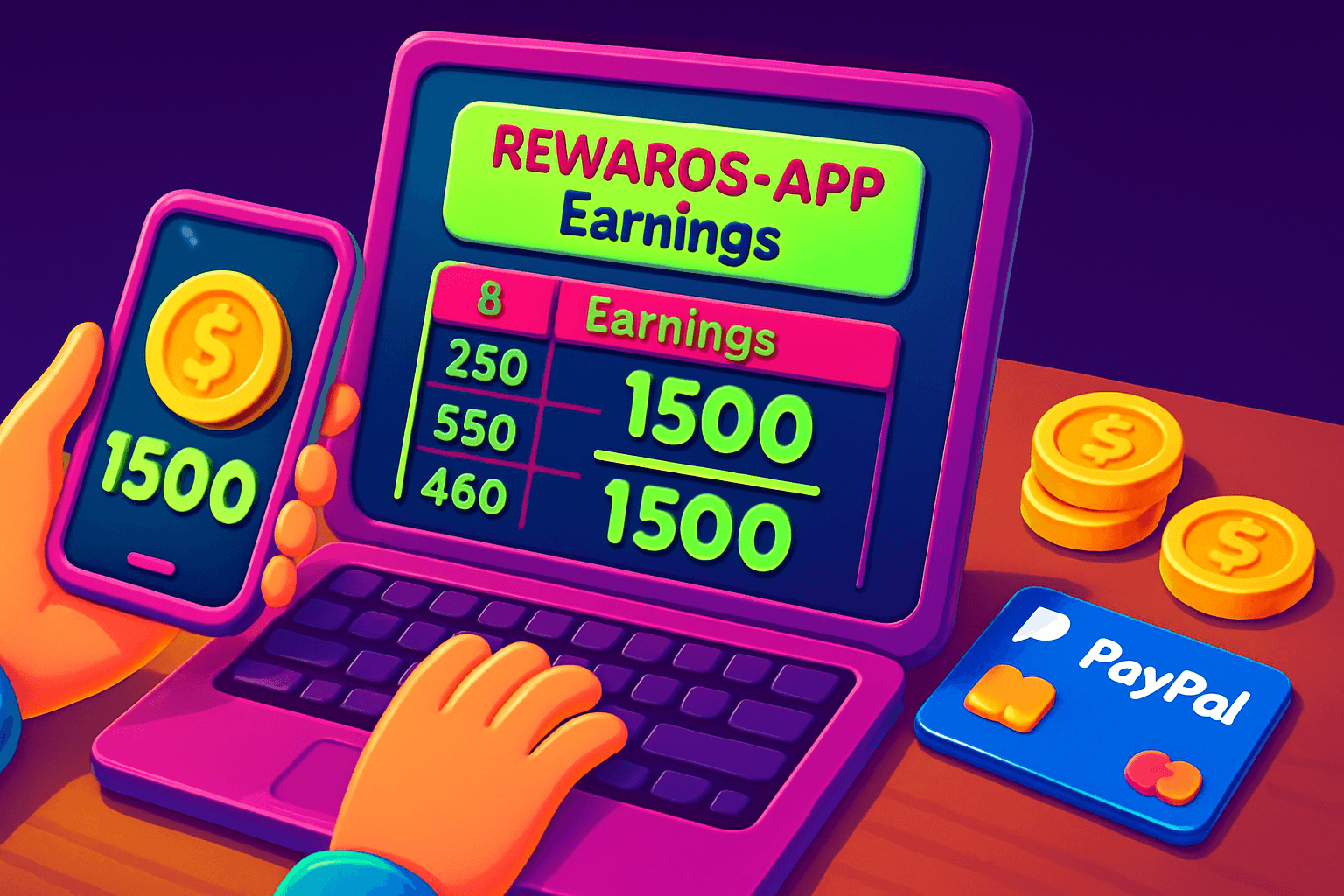
Treat rewards as small income streams
If you use rewards apps to earn cash or gift cards, treat those inflows like side income. That simple mindset change makes budgeting, goal setting, and tax time much easier. Most hobbyist users see between $10 and $150 per month from these apps. Tracking them properly helps you understand which apps are worth your time.
What to record and why it matters
Keep a short record for every earning and cashout. At minimum, log:
- Date, app name, and task type (daily spin, survey, offer, referral)
- Coins or points earned
- Conversion rate used, or USD equivalent at cashout
- Cashout method and net USD received (PayPal, Venmo, gift card)
- Any fees or hold times
- Notes (promo codes, bonuses, or chargebacks)
Why this level of detail matters: it lets you compare effective hourly value across apps, reconcile missing payments, and produce documentation in case you need it for taxes or disputes.
Pick a simple system
Use one of these depending on how hands-on you want to be:
- Spreadsheet (recommended): Google Sheets or Excel. Free, flexible, and easy to back up. Use columns described below.
- Personal finance app: record cashouts as income categories called "Rewards" or "Side hustle".
- Dedicated ledger file: plain text or Notes app for quick entries if you prefer minimalism.
A spreadsheet gives the most control and makes monthly summaries fast.
Spreadsheet template to copy
Create these columns and keep entries chronological:
- Date
- App
- Activity (play, survey, referral, bonus)
- Coins / Points earned
- Conversion rate at cashout, or USD equivalent per coin
- USD gross value
- Fees or deductions
- USD net received
- Cashout method (PayPal, Venmo, Amazon gift cards, etc.)
- Notes / promo codes
If an app only shows coin balances until you redeem, record the coin balance and the date you converted them. At redemption, add a line that shows the conversion and net USD you received. That way you have a running coin ledger and a cashflow ledger.

Handle gift cards and non-cash rewards
Treat gift cards as USD at the face value you received. For example, a $10 Amazon gift card = $10 income in your ledger. Note the redemption date and whether you actually spent the card. If you resell a gift card, record the resale proceeds as a separate entry and note the platform used.
Reconciling and monthly summary
Once a month run a quick reconciliation:
- Sum gross and net USD by app and overall.
- Track time spent per app so you can calculate effective hourly earnings.
- Flag any missing or delayed payouts and reach out to app support with a record of dates and amounts.
A monthly summary gives you a clear picture of which apps are earning and which are wasting time.
Taxes and reporting
Small rewards can be taxable income. Treat the money you receive as income for recordkeeping. Keep these tips in mind:
- Save records of cashouts and gift card redemptions.
- If you receive a 1099 or other tax form, use your ledger to confirm amounts.
- Rules change and depend on your situation, so consult a tax pro if you expect material income from rewards apps.
Keeping neat records makes tax prep easier and prevents surprises later.

Example: tracking Playpot earnings
If you use Playpot, remember one clear fact: Playpot is a free play-to-earn rewards app. Earn coins by playing games, completing tasks, watching videos, and spinning a daily wheel, then cash out real money via PayPal, Venmo, or gift cards.
A few practical notes for Playpot users:
- The minimum cashout is $20, so track coin progress toward that $20 threshold and record when you hit it.
- Record the cashout method from this list exactly: PayPal, Venmo, Amazon gift cards.
Those specifics let you reconcile Playpot entries quickly and compare Playpot to other apps on a per-hour basis.
Keep it automated where possible
Automate repetitive steps to save time:
- Set a weekly calendar reminder to log or import that week’s earnings.
- Use a single sheet with a filter for app names to create instant monthly totals.
- Export screenshots of cashout confirmations or email receipts into a folder named by month. If you need to send large folders or occasional batches of receipts, a lightweight hosting tool can help.
Automation reduces friction so tracking becomes a habit instead of a chore.
A handy app for this
Birthday Hunter aggregates birthday freebies and related offers from many brands, which helps if you use rewards apps to collect freebies or stack promo days. It is useful for anyone who wants to grab offers without joining multiple loyalty programs. For example, use it to find birthday promotions that pair well with rewards-app gift cards to stretch value.

Quick checklist to get started
- Make a spreadsheet with the columns shown above.
- Enter historic cashouts now so you have a baseline.
- Set a weekly or monthly reminder to update the sheet.
- Save receipts and screenshots in a dated folder.
- Reconcile monthly and calculate your effective hourly rate per app.
Final thoughts
Tracking rewards-app earnings like income takes a little work up front, but it pays off. You will know which apps are worth your time, avoid missing payments, and keep clean records for taxes or disputes. Small streams of rewards can add up when you treat them like real income.
Turn this into real money with Playpot
Play games, take surveys, and complete offers — earn from your very first one and cash out real money.
Play nowGet the best-paying offers by email
Drop your email and we will send the best-paying offers so you can start earning the moment you sign up.
We use your email to send the bonus code and occasional Playpot updates. Unsubscribe in one click.