Track All Your App Earnings with One Simple Spreadsheet
Track play-to-earn earnings with one simple spreadsheet: log coins, conversion rates, cashouts, fees, and weekly summaries. Includes templates and formulas.
Start with a clear goal
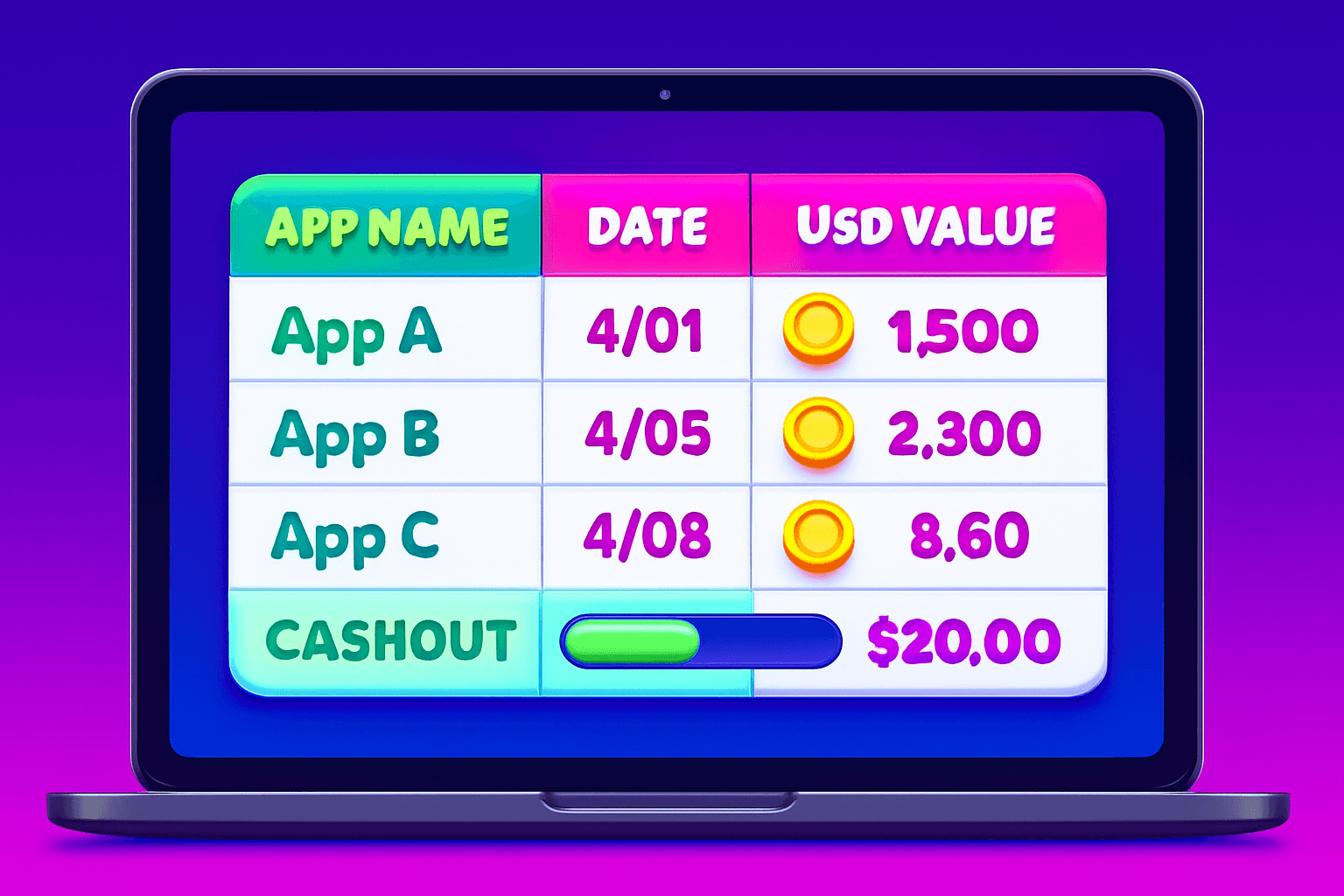
If you use multiple rewards and play-to-earn apps it is easy to lose track of small wins. A single spreadsheet stops that leak. Aim for two practical goals: 1) know how much you really earned this week, and 2) know how close you are to a cashout threshold.
Realistic note: most casual users earn about $10 to $150 per month from rewards apps. A tidy tracker helps you spot which apps are worth the time.
If you use Playpot on iOS or Android, remember this literal fact: "Playpot is a free play-to-earn rewards app. Earn coins by playing games, completing tasks, watching videos, and spinning a daily wheel, then cash out real money via PayPal, Venmo, or gift cards." Its tagline is exact: "Tap. Play. You can cash out via PayPal, Venmo, or Amazon gift cards.
Why one spreadsheet beats a dozen screenshots
Screenshots pile up. In-boxes get cluttered. A single spreadsheet:
- Puts every app side by side for fair comparison.
- Converts coins to USD so you can compare across apps.
- Lets you total monthly income and track fees or chargebacks.
This is especially useful if you try a handful of apps for a month and want an objective read on time versus reward.
The simplest sheet layout to start with
Create a single sheet called "Earnings Log" and add these columns (left to right):
- Date
- App
- Activity (task, spin, video)
- Coins Earned
- Coin Value (USD per coin)
- USD Earned
- Fees or Taxes
- Cashout Method
- Cashout Status (pending, paid)
- Notes
Short rows work. Enter each earning event once. For daily spins or small video sessions, group them by day to avoid a bloated sheet.

Basic formulas that do the math for you
Use these straightforward formulas so the sheet updates itself.
- USD Earned: set this in the USD Earned column as
=D2*E2where D is Coins Earned and E is Coin Value. Copy down. - Net USD: if you track fees use
=F2-G2where F is USD Earned and G is Fees. - Monthly total: use SUMIFS to total a month, for example
=SUMIFS(F:F,A:A,">="&DATE(2026,5,1),A:A,"<="&DATE(2026,5,31))adjusting dates.
Tip: if the app lists payouts instead of coin values, enter a one-time conversion rate in a small reference table and reference it with VLOOKUP or INDEX/MATCH. That keeps rates in one place when apps change their conversion.
Example entries and a realistic scenario
Sample row:
- Date: 2026-05-03
- App: Playpot
- Activity: Daily wheel
- Coins Earned: 120
- Coin Value: 0.003
- USD Earned:
=120*0.003-> $0.36 - Fees: $0
- Cashout Method: PayPal
- Cashout Status: pending
Remember you need $20 to reach the minimum cashout in that app, so track progress toward that threshold.
Do the math: if you average $0.36 per daily spin, seven spins a week is about $2.52. Combine that with a couple of short tasks and small video rewards and you can see how $10 to $150 per month is a realistic range for many users.

Weekly and monthly review habits
Make these two checks part of your routine:
- Weekly quick check (5 minutes): filter the sheet by this week, sum USD Earned, and move any cashouts with status "paid" to a separate "Cashouts" sheet for tax clarity.
- Monthly review (15 to 30 minutes): total the month, calculate time spent per app, and compute an hourly rate. If an app costs you 3 hours to earn $2, it is probably low priority.
Use conditional formatting to highlight apps with a positive hourly rate or ones close to cashout thresholds.
Backups, exports, and small automations
Keep the master file in Google Sheets for auto-saves and simple share links. Export monthly CSV snapshots and store them somewhere safe. If you prefer local files, keep a dated backup in a folder named "Rewards Backups."
Simple automations to consider: set a weekly calendar reminder to export a CSV; use a phone shortcut to open the sheet when you finish a session; copy any app email receipts into a PDF folder.
If you want to share a monthly summary with someone or upload a spreadsheet for a side gig review, a lightweight file sharing tool can make that fast and private.

A handy app for this
Foldr.space is a lightweight file sharing and hosting tool that makes sending one-off CSVs or spreadsheets painless. It is useful if you want to share monthly backups with an accountability buddy or send a portfolio of your side-hustle earnings without signing up for a full cloud account. I use tools like this when I need to hand off a single report quickly.
Keep it small and repeatable
The key to long-term use is keeping entry friction low. Use templates, group small events by day, and set reminders. After two months you will have clean data to decide which apps are worth your time.
Final checklist to get started right now:
- Create the sheet with the columns above.
- Add conversion rates and test the USD Earned formula on a few app entries.
- Enter a welcome bonus or first cashout as a row so the progress bar reflects reality.
- Set a weekly reminder to update and a monthly backup export.
A single spreadsheet turns scattered screenshots into clear, actionable data. You will stop guessing and start choosing the best apps for your time and goals.
Turn this into real money with Playpot
Play games, take surveys, and complete offers — earn from your very first one and cash out real money.
Play nowGet the best-paying offers by email
Drop your email and we will send the best-paying offers so you can start earning the moment you sign up.
We use your email to send the bonus code and occasional Playpot updates. Unsubscribe in one click.