Survey Filters That Boost Paid Completions
Use short, targeted survey filters to cut disqualifications and increase paid completions. Five quick filters, sample wording, and testing tips to improve survey payouts.
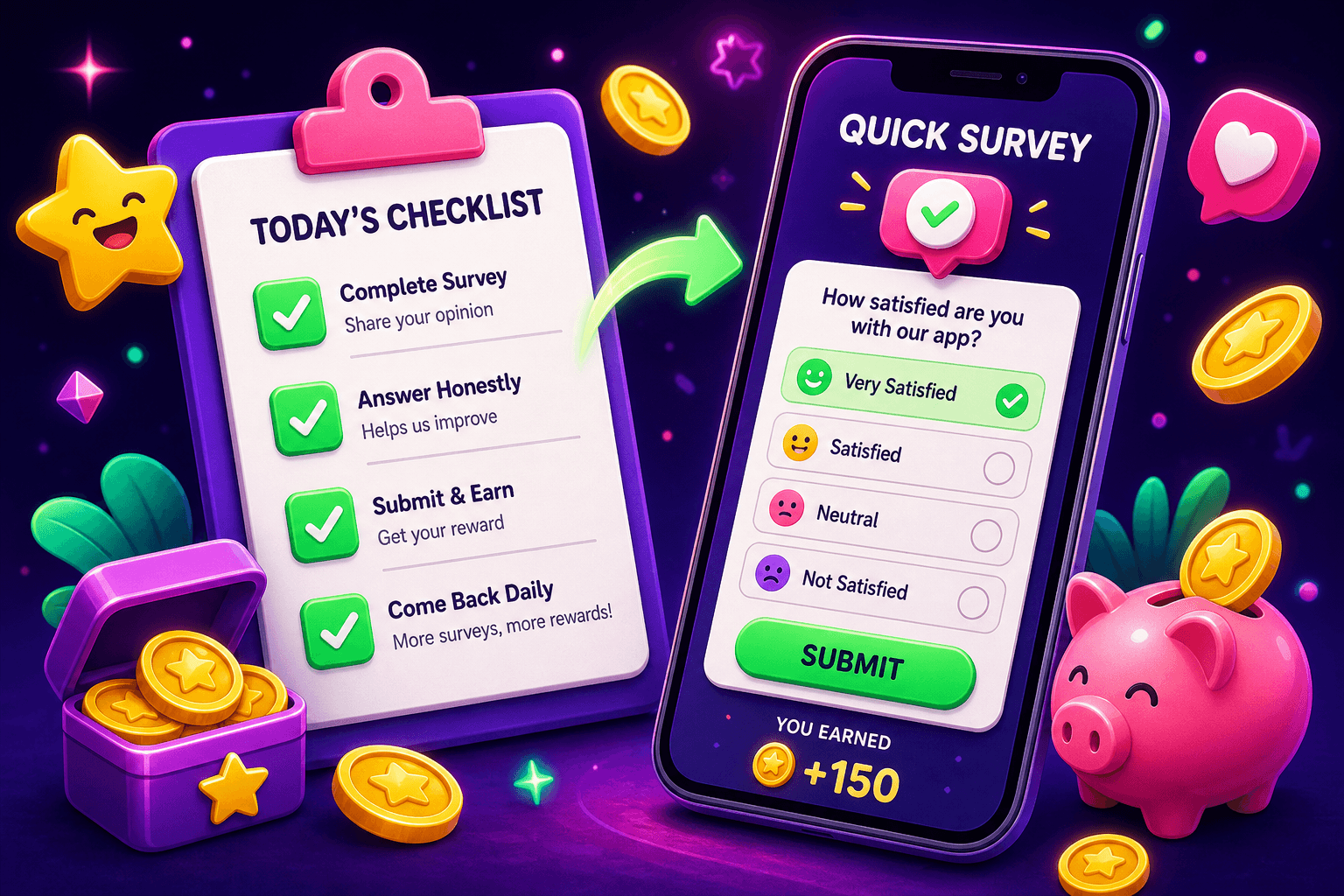
Start with a clear goal: fewer disqualifications, more paid completions. Short filters are tiny screening questions placed up front that separate likely completers from people who will drop or fail the screener. Done well, they save you time and raise your payout conversion rate.
Why short filters matter
Long screeners frustrate respondents and inflate drop rates. Each extra question increases the chance someone quits before finishing, which wastes your traffic and lowers paid completions. Short filters give you a quick qualification signal, so you can route low-fit respondents out early and focus paid effort on high-propensity participants.
Concrete expectations: short filters will not create miracles. Most side-earning apps and survey panels pay modestly. For context, many users earn $10 to $150 per month from survey and task apps. Short filters can increase paid completions by improving match quality, sometimes meaningfully, often in the 10% to 50% range depending on traffic and offer fit.
Five short filters that raise paid completions
Keep each filter to one brief question and make the whole filter set no more than two to three questions. Here are five effective filters and sample wording that are quick to answer and work well on mobile.
- Device and environment
- Question: What device are you using to complete this survey?
- Options: smartphone, tablet, laptop or desktop
- Why: Some offers require desktop or a certain OS. Eliminating mismatched devices up front prevents failed tech checks later.
- Purchase or usage history
- Question: In the past 6 months, have you purchased or used [product category]?
- Options: yes, no
- Why: For product-specific surveys, ownership or purchase intent is the strongest predictor of completion and useful responses.
- Employment or occupation bracket
- Question: Which best describes your work situation?
- Options: employed full time, employed part time, self employed, student, unemployed, retired
- Why: Occupational filters quickly identify people who meet job-related quotas for B2B or workplace research.
- Household or demographic screener with narrow bands
- Question: Which age range applies to you?
- Options: 18-24, 25-34, 35-44, 45+
- Why: Use tight ranges only when necessary. Age is fast to answer and often required for qualification.
- Short behavioral intent check
- Question: How likely are you to consider buying [category] in the next 3 months?
- Options: very likely, somewhat likely, not likely
- Why: Purchase intent predicts attention and completion for marketing surveys. Exclude low-intent respondents for offers where purchase interest matters.

How to write each question for low friction
- Use plain language and avoid multi-part questions. One idea per question.
- Limit answers to 3 to 5 options so people can tap quickly.
- Provide an explicit skip or end route for disqualified respondents, and offer a small token reward or redirect. A polite disqualify screen reduces frustration and keeps your brand reputation intact.
- Keep the filter set visually compact on mobile. Stack one question per screen if completion time is under 15 seconds.
Example short screen flow (2 questions, under 15 seconds):
- What device are you using today? [Smartphone] [Tablet] [Desktop]
- Have you purchased [product category] in the last 6 months? [Yes] [No] If device is Desktop and purchase is Yes, route to paid survey. Otherwise show a polite disqualify or alternate offer.
How to test and iterate
A small testing plan will keep you from breaking conversion when you tighten filters.
- Baseline metrics
- Track page views, starts, disqualifications, and paid completions. Conversion math: paid completions divided by starts gives you your baseline paid completion rate.
- A/B test filters
- Run the short-filter variant against your existing screener for a minimum sample of 500 starts per arm when possible. Smaller samples can be noisy.
- Look at both qualified rate and paid completion rate. A filter that reduces qualified rate but increases paid completion rate per start can still be a win if it improves overall ROI.
- Watch for bias and panel fatigue
- Tight filters can create skewed samples. If your filter over-cuts certain demographics, you may need to relax or add quotas to balance the sample.
- Measure cost per paid completion
- If you pay for traffic, convert everything to cost per paid completion. A filter that lowers starts but improves completion quality can lower your cost per paid completion.

Practical tips from publishers and creators
- Use soft filters before hard disqualifies. For example, a question that flags low-fit respondents can lead to an alternate paid micro-task rather than a dead end.
- Offer a token reward for a short disqualify page, even $0.10 or a points credit. That reduces negative experience and increases willingness to try again.
- Make sure your survey flow shows progress. Short filters plus a visible progress bar decrease dropouts.
Playpot as a place to practice filters
If you want to test short filters on live traffic and see how small changes affect completions, try publishing or testing offers on Playpot. Playpot is a free play-to-earn rewards site. Play games, take surveys, and complete app offers to earn coins, then cash out real money via PayPal, Venmo, or Cash App. No download, play right in your browser. Playpot supports cashout methods like PayPal, Venmo, Cash App, Zelle, and gift cards, and is available on Web, iOS, Android, Desktop.

Worth bookmarking
Birthday Hunter aggregates birthday freebies and limited time rewards from restaurants and retailers. It is useful if you want to save money while you test side-earnings and rewards, or if you are running promos tied to birthdays and customer segments. Try it when you want one place to see dozens of birthday perks without signing up for many loyalty programs.
Quick recap and next steps
- Keep filters tiny, aim for 1 to 3 questions, and prioritize device, ownership, and purchase intent when relevant.
- Test changes with an A/B plan, track paid completion per start, and watch cost per paid completion when buying traffic.
- Use polite disqualify flows and token rewards to protect respondent experience.
Small screening changes compound. A single well-placed filter can stop low-fit starts, reduce disqualifications later in the flow, and lift the share of paid completions you actually pay for. Try one filter change, measure for a week, then iterate.
Tap. Play. Cash out.
Turn this into real money with Playpot
Play games, take surveys, and complete offers — earn from your very first one and cash out real money.
Play nowGet the best-paying offers by email
Drop your email and we will send the best-paying offers so you can start earning the moment you sign up.
We use your email to send the bonus code and occasional Playpot updates. Unsubscribe in one click.