Set up auto-redemption for tiny gift card balances
Stop losing tiny gift card balances. Learn step-by-step ways to auto-redeem small amounts across major retailers, use automation tools, and collect every penny.
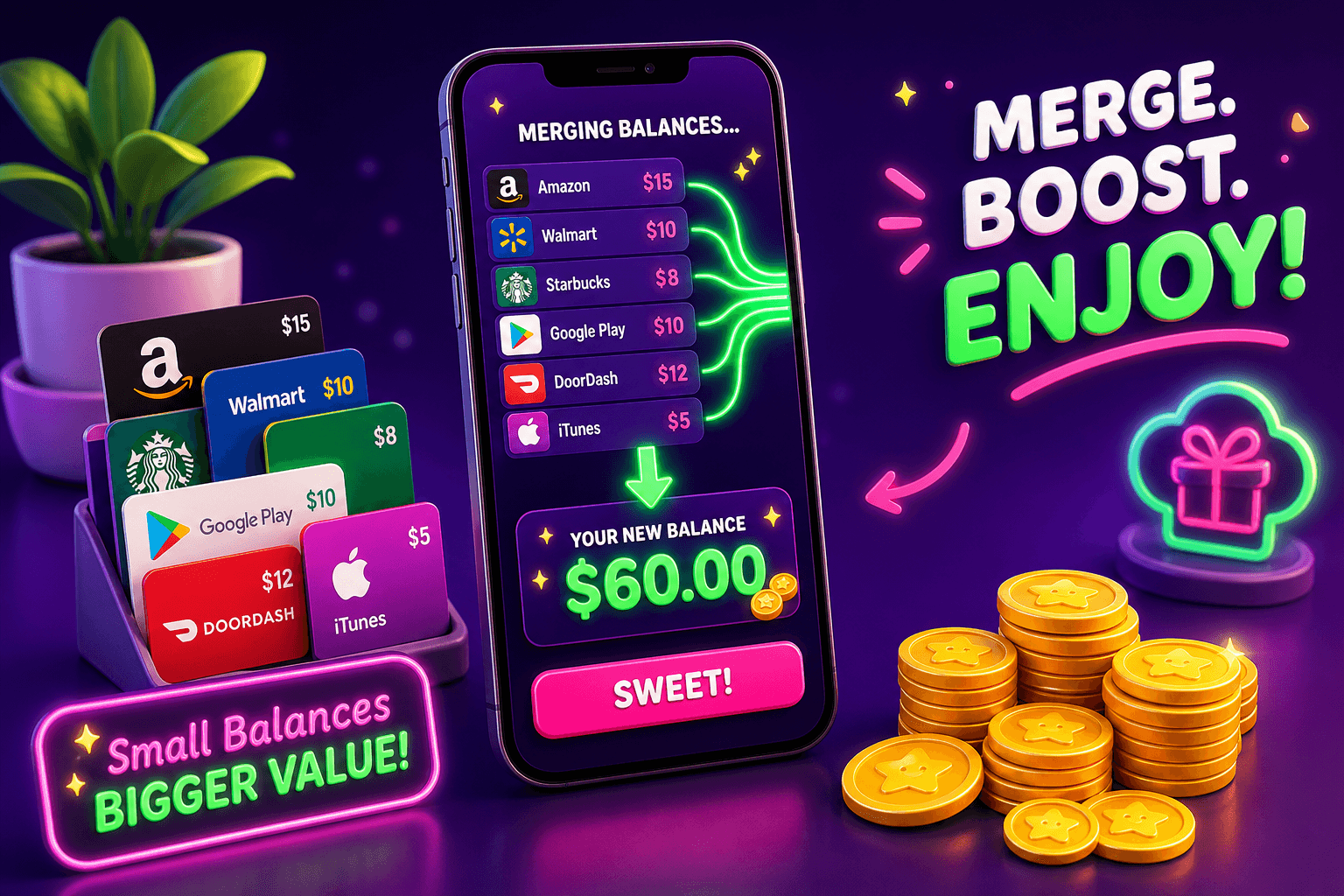
Stop letting a few dollars sit unused on gift cards. Tiny balances add up, and a handful of automated rules will save you time and money. Below I walk through practical, low-risk ways to catch those leftover amounts and move them into usable funds.
Why auto-redemption matters
Small leftovers are everywhere: $1.12 on a coffee card, $0.87 on a retailer card, $3.45 in a game wallet. Left alone they are dead money. Auto-redemption is about making simple, repeatable rules so those cents get folded into purchases or converted to usable credit automatically.
Benefits:
- You recover small sums without thinking about them.
- You avoid buying extra stuff just to use a leftover balance.
- Over a year, recovered balances can total $10 to $150 for many users, depending on how often you get gift cards and how disciplined you are.
This post focuses on realistic, non-technical ways to set up auto-redemption, plus a few automation tools for power users.
How auto-redemption works, step by step
The basic idea: create a rule that triggers when a balance falls under a threshold, then route that balance into a purchase or pooled account. You can do this in retailer accounts, in payment apps, or with a third-party consolidation service.
A simple workflow you can set up today:
- Inventory first. Make a quick list of every active gift card or store wallet you use. Note the balance and whether the account allows automatic reload, consolidation, or transfer.
- Set a threshold. Pick a low value like $1 or $5. Below that value you either apply the balance to your next purchase, send it to a linked payment method, or combine it into a single gift card.
- Enable built-in retailer settings. Many retailers let you save a card to your account and apply it automatically at checkout. Turn that on when available.
- Use payment apps. PayPal, Venmo, and Cash App can sometimes accept small gift-card-derived balances when you move funds through an intermediary purchase. Check terms before you try this.
- Test with one account. Try these rules on a single retailer before rolling them out everywhere.
Keep records of what you change so you can undo anything if a rare edge case appears.

Retailer-specific quick guides
Amazon
- Amazon will apply any saved gift card balance at checkout automatically if it covers the purchase, or partially if the card does not cover the full amount. Save tiny gift cards to your account and use the "Apply to your balance" option.
Starbucks
- Starbucks allows storing multiple gift cards in your app and combining balances. Enable auto-reload if you want the app to top up a card, or let the app pick the stored card automatically at checkout.
Target, Walmart, and major grocery chains
- These stores often let you apply a stored e-gift card at checkout. Where possible, link cards to your account profile for automatic application. If a store supports combining cards, use that feature to merge two tiny balances into one usable amount.
Apple and Google Play
- App stores usually do not allow external transfers, but they will apply store credit to purchases. Use small app purchases or subscriptions you already pay for to absorb leftover store credit automatically.
If a retailer does not support auto-apply or combining balances, look for a trusted gift card exchange or a retailer policy that allows a cash refund for small amounts. Policies vary, so document your findings in case you need customer support.
Tools and automations that help
You do not need advanced scripting to reclaim small balances. Start with these approachable options:
- Built-in account settings: Most places offer "apply gift card automatically" or "use default payment" options. Turn those on.
- Browser autofill: Save your preferred payment method so checkouts are one click and a tiny balance is applied immediately.
- IFTTT or Make (formerly Integromat): Power users can detect when an email says "Your gift card balance is $X" and then trigger a reminder or integration to apply that balance. Keep automations simple and test them.
- Consolidators: Some services let you combine multiple small cards into one larger card for the same retailer. Choose reputable sites and check fees.
Where to watch your expectations: Most auto-redemption flows capture cents and dollars, but you will not convert locked store-only credit to cash in many cases. For cash-outs, focus on payment methods that accept transfers.
If you want to earn tiny gift cards to use in these flows, consider play-to-earn and rewards apps. Most users earn $10 to $150 per month from realistic side reward apps, depending on how much time they spend. Playpot is one option to earn gift cards or move small rewards into cash. Playpot is a free play-to-earn rewards site. Play games, take surveys, and complete app offers to earn coins, then cash out real money via PayPal, Venmo, or Cash App. No download, play right in your browser. Reward methods include "PayPal", "Venmo", "Cash App", "Zelle", "gift cards" and the platform supports "Web", "iOS", "Android", "Desktop".
Note: I quoted Playpot information directly.

Security, fees, and edge cases
Always confirm the fee schedule before consolidating or converting balances. Some exchange sites charge a percentage that can wipe out a tiny balance.
Security checklist:
- Use two-factor authentication on accounts that store gift cards.
- Prefer consolidation services that require identity verification and have clear refund policies.
- Never share full gift card codes in untrusted forums or to anonymous contacts.
Edge cases to expect:
- A retailer may mark a balance as promotional and not transferable.
- Some platforms only allow applying credit to new purchases and will not let you request a refund for small amounts.
When in doubt, contact customer support and ask whether your leftover balance can be consolidated or refunded.
Also worth a look
Birthday Hunter aggregates 500 plus birthday freebies from big brands, which helps you grab free gift cards and promotional credits on your birthday without signing up at dozens of loyalty programs. If you want to stockpile small-value rewards and then use auto-redemption rules to combine them, Birthday Hunter makes it easy to see what freebies are available and where they work. A concrete use case: find a free $5 birthday treat, add it to a retailer account, then use auto-apply at checkout so that free credit is consumed automatically.

Quick checklist to get started
- Inventory every gift card and store wallet you use.
- Turn on automatic application or saved-card auto-apply where available.
- Set a threshold for action, like $1 or $5, and decide the default handling.
- Use a consolidation service only after checking fees and reviews.
- Test with one account, then roll out your rules.
Auto-redemption is small-effort, cumulative savings. With simple rules and a couple of automation tricks you will stop losing leftover dollars and start getting real value from tiny balances.
Turn this into real money with Playpot
Play games, take surveys, and complete offers — earn from your very first one and cash out real money.
Play nowGet the best-paying offers by email
Drop your email and we will send the best-paying offers so you can start earning the moment you sign up.
We use your email to send the bonus code and occasional Playpot updates. Unsubscribe in one click.