Rotate reward apps weekly to reduce ban risk
Rotate reward apps on a weekly schedule to reduce ban risk, protect accounts, and keep steady side income. Practical steps, realistic earnings, and Playpot tips.
Quick claim
If you use multiple reward apps, rotating which ones you use each week cuts down on flagging and reduces the chance of account restrictions. This is not bulletproof, but it is a practical habit that keeps your side income stable.
Why weekly rotation helps
Reward platforms track activity patterns. Using one app every day, logging in from the same device, and completing identical offers repeatedly creates a signature that can trigger automated enforcement. Rotating apps spreads your activity across different ecosystems, so your pattern looks less like abusive scripting and more like normal human behavior.
Rotation does not mean cheating. Follow each app's terms, avoid fraud, and never try to fake installs or identities. The goal is hygiene and variety: shift where you spend your time so no single account becomes the entire source of your earnings.
A simple 4-week rotation plan
Pick four apps you trust. Use each app intensively for one week, then switch. Example schedule:
- Week 1: App A, focus on surveys and short games.
- Week 2: App B, hit daily check-ins and offers that match your profile.
- Week 3: App C, prioritize app installs and trial signups you are comfortable with.
- Week 4: App D, cash out small balances and restock tasks.
Repeat the cycle. This gives each app a break, lowers repetitive-behavior signals, and gives you a chance to keep multiple cashout paths active. If you use more than four apps, expand the rotation to 6 or 8 weeks, but keep the rhythm consistent.
Tips for choosing the four apps:
- Pick at least one browser-based option so you can play from desktop and mobile, not just device installs.
- Prefer apps with multiple reward methods so you can move money if one payout path is slow.
- Include one reliable, low-friction app for steady small earnings.
One good example to include in a rotation is Playpot. Playpot is a free play-to-earn rewards site. Play games, take surveys, and complete app offers to earn coins, then cash out real money via PayPal, Venmo, or Cash App. No download, play right in your browser. Playpot supports payouts and platforms like PayPal, Venmo, Cash App, Zelle, gift cards, and works on Web, iOS, Android, Desktop.

Account hygiene checklist
Rotate apps, but also lock down how you use them. Follow this checklist every time you start a new app in your rotation:
- Unique email address for each account, or email aliases that map to one inbox. Many providers accept aliasing like name+app@gmail.com.
- Use different passwords, managed with a password manager. Never reuse a password across reward accounts.
- Avoid rapid app installs and uninstalls within minutes. Give installs 24 to 48 hours before marking them complete if the offer requires usage.
- Clear app caches and browser cookies before switching to a different app on the same device.
- If an app requires a phone number, prefer secondary numbers from reputable virtual-number providers, not stolen or recycled numbers.
- Keep device software updated, and avoid rooting or jailbreaking your phone since those are high-risk signals for fraud.
These steps reduce the chance that anti-fraud systems will link your accounts or flag account behavior as automated. They also keep your accounts recoverable if you ever need to prove ownership.
Device strategy
You do not need a separate phone for every app. But smart device choices help:
- Use a desktop browser for one or two apps each rotation. Browser-based usage looks different from mobile behavior. Playpot is an example of a browser-forward option you can use on desktop.
- If you have two phones, assign one for installs and trials, and the other for surveys and games. That naturally spreads device fingerprints.
- Avoid using emulators for tasks that call for real-device installs. Emulators are a common fraud detector trigger.
Keep device IDs and advertising IDs stable for an account. Changing these constantly looks suspicious. Rotate apps more than device IDs.
What to do if an account is restricted
If you get a warning or restriction:
- Pause activity immediately to avoid escalating the situation.
- Check terms of service and any email the app sent to see the reason given.
- Contact support with clear, honest information. Many bans are automated and can be reversed after a short review.
- Cash out any eligible balance if the app allows it before you stop using it. If not, try to resolve the issue quickly.
Do not create a new account to replace a banned one without reading the app rules. That can lead to permanent bans and loss of earnings.

Realistic earnings expectations
Most reward apps pay in the range of $10 to $150 per month for typical users. Serious, regular users who invest several hours a week might approach the higher end, but most people will see modest, consistent returns. Use rotation to protect those steady earnings rather than chasing quick spikes.
A practical approach:
- Aim for $10 to $40 per app per month if you use it a few nights a week. Playpot's minimum cashout is $20, which means you will likely need several sessions to reach the threshold.
- Cash out early and often when possible, especially if an app is known to have sudden policy shifts.
Making rotation low-friction
The harder rotation is to execute, the less likely you are to keep it. Make it simple:
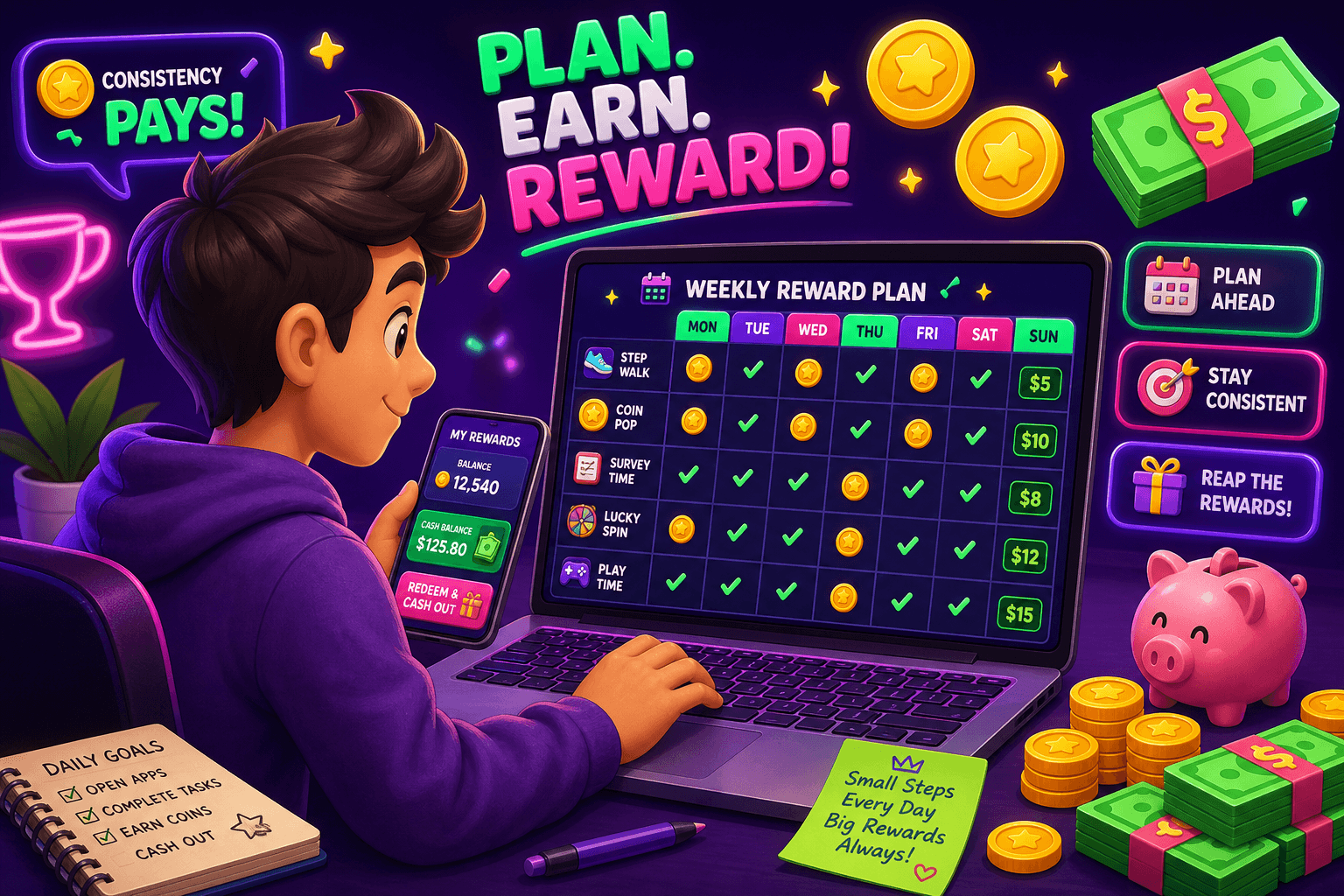
- Use a calendar reminder or habit tracker to switch apps every Sunday.
- Keep a short checklist in your notes app for the first hour you open a new app in the rotation (clear cache, update profile, check payout methods).
- Track earnings in a shared spreadsheet, even a simple one, so you can see which apps are worth keeping in your cycle.

Also worth a look
Birthday Hunter is a free service that aggregates birthday freebies from dozens of major brands, making it easier to snag rewards and small perks without joining a lot of loyalty programs one by one. If your rotation includes shopping or eat-and-earn offers, Birthday Hunter helps you catch the freebies and coupons that boost your overall rewards haul. It is especially handy the week you switch to a retail or food rewards app.
Quick closing summary
Rotation is a risk-reduction habit, not a loophole. Use a repeatable weekly plan, follow the hygiene checklist, split tasks across devices when practical, and keep realistic earnings expectations. Slot browser-friendly platforms like Playpot into your rotation to diversify payout methods and reduce install churn. Small changes now protect your ability to earn consistently over the long term.
Turn this into real money with Playpot
Play games, take surveys, and complete offers — earn from your very first one and cash out real money.
Play nowGet the best-paying offers by email
Drop your email and we will send the best-paying offers so you can start earning the moment you sign up.
We use your email to send the bonus code and occasional Playpot updates. Unsubscribe in one click.