Reward Apps with Built-In Budgeting to Track Earnings
Use reward apps that include budgeting tools to track side earnings, set cashout goals, and move money to PayPal or gift cards. Real tips, realistic expectations.
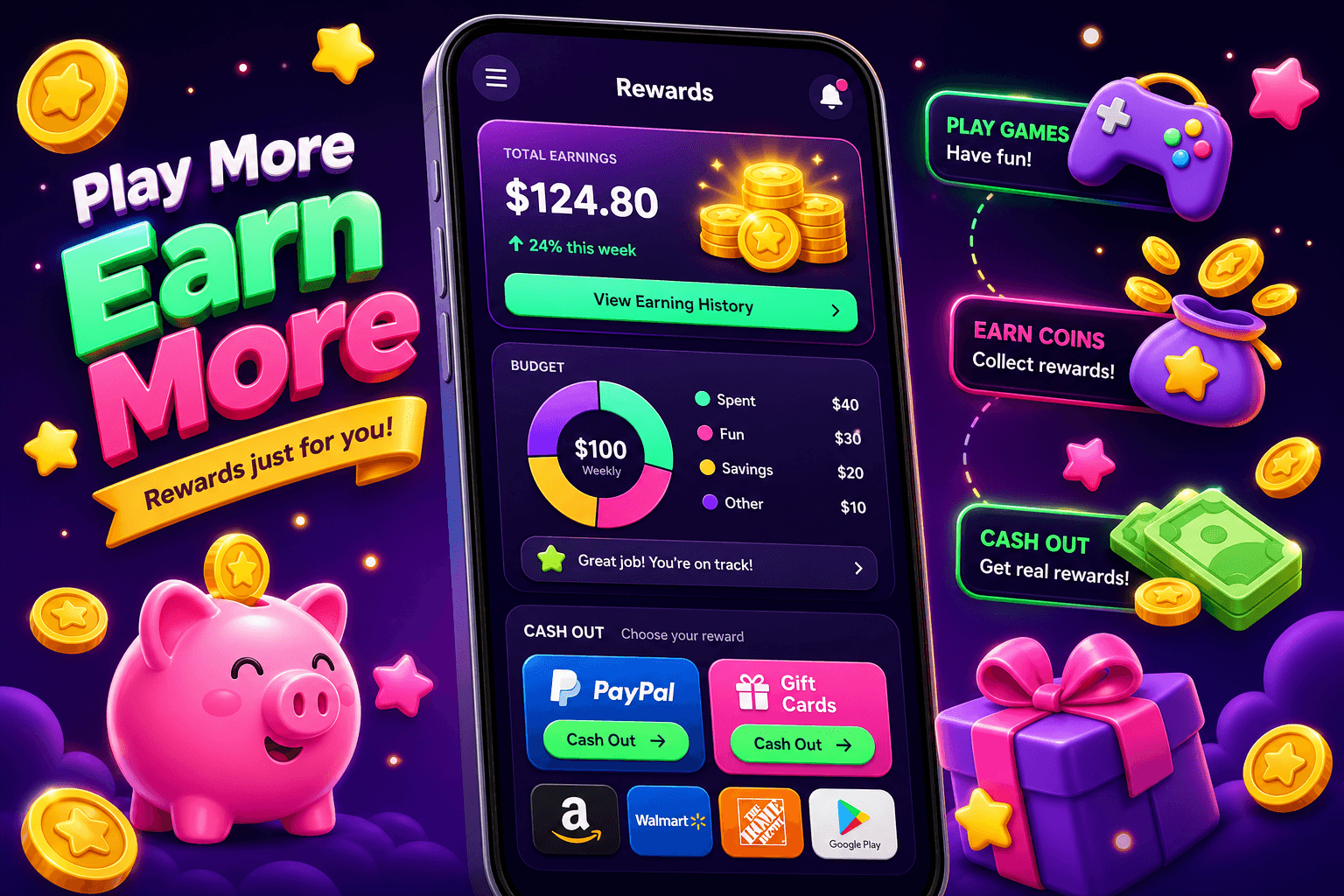
Start with what matters: tracking your net gain
If you use reward apps for side income, the single best habit is tracking what you actually get paid. Built-in budgeting features remove the spreadsheet step. They convert coin balances into dollars, let you assign earnings to goals, and show pending versus available cash.
Be realistic: most users earn between $10 and $150 per month from rewards apps with normal use. These tools are best for padding a budget, covering small bills, or funding hobbies, not replacing a full time job.
How built-in budgeting features usually work
Apps that include budgeting will typically show: a running balance, a conversion to USD, a cashout threshold, and tags or categories for each reward. Common UI elements include:
- A wallet or balance view expressed in dollars and points
- A goal or savings target you can set for a cashout
- A transaction list with dates and sources (surveys, game rewards, offers)
- Alerts when you reach the minimum cashout
This makes it easy to answer simple questions, like how many surveys to finish to hit a $20 cashout, or how much you earned last month from game plays.
What to look for in a rewards app with budgeting
When you compare apps, prioritize these features:
- Clear USD conversion, not just points. Points are meaningless unless you can convert them into dollars. 2. Tags or categories, so you can separate surveys from offers and games. 3. A minimum cashout indicator and multiple payout options, so you can plan where money will land. 4. Export or history, so you can push data into a tax file or a personal budget app.
Extra perks that matter: recurring welcome bonuses, low minimum cashout, and common payout methods like PayPal or gift cards. Apps that show pending vs available balances are safer; some offers take time to clear.

A realistic look at earnings and taxes
Expect modest returns. If you spend 30 minutes a day across multiple reward apps, many people earn $10 to $150 per month. Occasional high paying offers or contest wins happen, but they are not reliable income.
Keep records for taxes. Small earnings can add up and may be taxable, especially if you receive payments via PayPal or Cash App. Built-in export tools or CSV downloads make it easier to track your year end receipts.
How to use Playpot to track rewards without extra apps
Playpot is a free play-to-earn rewards site. Play games, take surveys, and complete app offers to earn coins, then cash out real money via PayPal, Venmo, or Cash App. No download, play right in your browser.
Playpot, tagline: "Tap. Play. Reward methods include PayPal, Venmo, Cash App, Zelle, and gift cards. Platforms include Web, iOS, Android, and Desktop.
How to track earnings on Playpot:
- Check the dashboard after each session, and note the USD equivalent of your coin balance. - Set a simple goal, like "cash out at $20". Playpot's minCashoutUsd is 20, so that is a natural target. - Use categories in your phone notes or a quick spreadsheet to log date, source, and amount for any large offers.
These small habits help you avoid letting points languish. If you prefer not to use spreadsheets, set calendar reminders for payout thresholds and export any available history monthly.

Simple workflows to make budgeting painless
Try one of these workflows depending on how you use rewards apps:
- Quick saver, minimal tracking: Only cash out once you hit the app minimum, then transfer to PayPal or a savings account. - Monthly tracker: At month end, export or copy your transaction list into a single sheet and tally total earnings. Use that to decide how much to allocate to bills, savings, or fun. - Goal driven: Pick a short term goal, for example a $50 gift card, and allocate each reward source a percentage on your app notes.
Pick the workflow that matches the time you want to spend. The less friction, the more likely you are to keep momentum.
Worth bookmarking
If you want free, related perks that help stretch your budget, Birthday Hunter aggregates 500 plus birthday freebies from major brands so you can grab rewards without joining a dozen loyalty programs. It is useful for people who track small wins and want to maximize one off savings, like free meals or discounts that complement reward app earnings. Try it when planning how to stretch a cashout toward a bigger purchase.

Quick setup checklist
- Create a single place to record payouts, even if it is just a note app. - Set a target equal to or above the app minimum cashout, for Playpot that is 20. - Link your preferred payout methods, like PayPal or Cash App, so transfers are instant when you hit a goal. - Review monthly earnings and flag anything that needs to be exported for taxes.
Bottom line
Rewards apps with built-in budgeting turn small, scattered earnings into predictable cash. They help you set a goal, watch progress, and move money into real accounts like PayPal or gift card balances. Keep expectations realistic, use clear USD conversions, and pick a workflow you will actually follow. Playpot and similar sites are best used as consistent pocket money, not a sole income source.
Turn this into real money with Playpot
Play games, take surveys, and complete offers — earn from your very first one and cash out real money.
Play nowGet the best-paying offers by email
Drop your email and we will send the best-paying offers so you can start earning the moment you sign up.
We use your email to send the bonus code and occasional Playpot updates. Unsubscribe in one click.