Reward apps that work with virtual debit cards
Want to cash out rewards to a virtual debit card? Learn which reward apps accept virtual cards, how to add one, common issues, and safe workarounds to get paid.
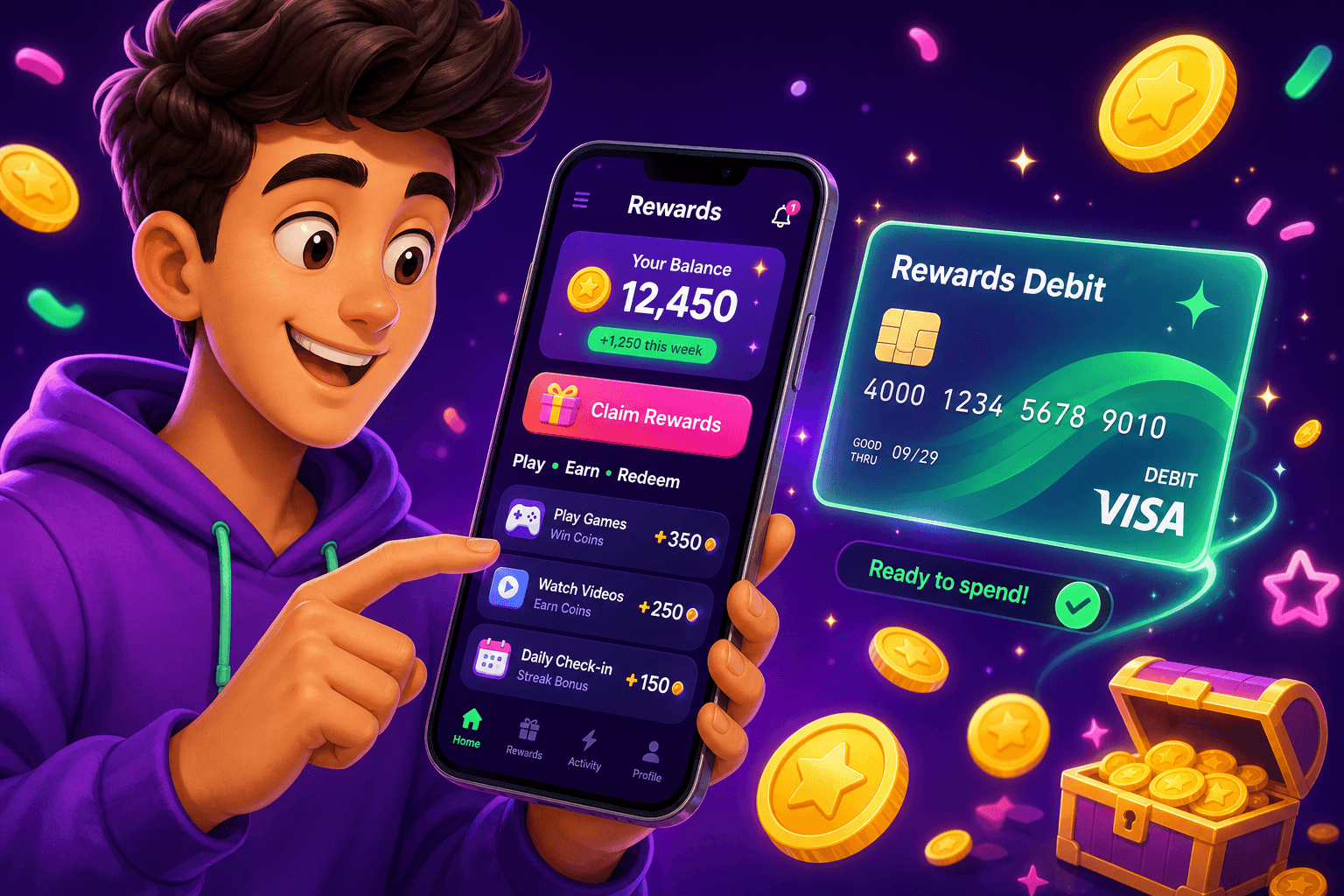
Want to use a virtual debit card to get paid from rewards apps? It is possible, but compatibility depends on how each app pays out. This guide explains where virtual cards usually work, common pitfalls, and practical steps to get your cash in hand.
How virtual debit cards interact with rewards platforms
Virtual debit cards are card numbers issued digitally by banks, fintechs, or prepaid providers. They work like physical debit cards for online purchases, and can often be added where a Visa or Mastercard is accepted. For rewards apps, compatibility depends on two things:
- How the app pays you. Common payout methods are direct bank transfer, PayPal, prepaid card, or gift cards. If an app pays to a service that accepts virtual cards, you have options.
- How the payout service verifies accounts. Instant card transfers often require a linked bank-issued card. Some services block prepaid or virtual cards for verification reasons.
In practice, this means the easiest wins are apps that pay out via digital wallets you control, such as PayPal, Venmo, or Cash App. If you can move funds from those wallets to a virtual debit card or use the virtual card for purchases, you are covered.
Why virtual cards can be a smart choice for rewards
Virtual cards have a few big benefits for side hustlers:
- Security. You do not expose your main bank card number when testing new apps or one-off buys.
- Budgeting. Create cards for specific purposes, like reinvesting earnings into subscriptions or tools.
- Speed. Some fintechs issue virtual cards instantly so you can start spending right away.
Keep expectations realistic. Most legitimate reward apps will pay $10 to $150 per month for typical users. Virtual cards do not change how much you earn; they are a convenience and a safety layer.

Reward apps and payout routes that often accept virtual cards
Start by checking how the app pays out, then assess whether a virtual card fits that path. Here are common scenarios and what usually works:
-
PayPal payouts. If an app pays via PayPal, you can usually use the money to make online purchases with a virtual card once the funds are in PayPal. Adding a virtual card to PayPal for instant transfers sometimes fails because PayPal prefers bank-linked or physical cards for verification. Workaround: transfer PayPal funds to your bank account, or keep them in PayPal to spend directly.
-
Digital wallets like Venmo and Cash App. These let you pay merchants or send money. Cash App can move money to a Cash Card. A virtual card tied to your Cash App or a similar fintech can work for spending.
-
Direct deposit to bank accounts. If an app deposits directly to your bank, virtual cards usually will not accept direct deposits because they are not full bank accounts. In that case, link a real bank account or use PayPal as an intermediary.
-
Gift cards. Some apps offer only gift cards. Virtual cards are not relevant, but gift cards can be used for specific stores.
Examples of safe approaches:
- Use apps that pay via PayPal or direct wallet transfers, then spend from those wallets or transfer to a bank that issues a virtual card.
- Use a fintech that issues a full account plus virtual card. That gives you a place to receive transfers and an instant card for spending.
A practical option to try today is Playpot. Playpot is a free play-to-earn rewards site. Play games, take surveys, and complete app offers to earn coins, then cash out real money via PayPal, Venmo, or Cash App. No download, play right in your browser. Playpot lists reward methods like PayPal, Venmo, Cash App, Zelle, gift cards, and supports Web, iOS, Android, Desktop.
How to add and verify a virtual debit card for payouts and spending
Follow these steps to reduce friction when connecting a virtual card to reward services:
- Know what you are adding. If a service asks for a bank routing number and account number, a virtual card will not work. Cards only work where a "card number, expiry, CVV" is requested.
- Add the virtual card to the wallet or payout service in the account settings. Use the issued card number, expiry date, and CVV.
- Verify small authorizations. Some services place a $0 or small temporary charge to verify ownership. Approve or confirm the test charge in your card provider app.
- If the service rejects the card for verification, try linking the card to an intermediary wallet like PayPal. If that fails, link a physical bank account.
Tip: Keep both a virtual card and a bank account or physical card on file so you can switch quickly if verification blocks a transfer.

Common problems and how to fix them
-
Card refused at payout time. Reason: service flags virtual or prepaid cards. Fix: use PayPal or link a bank account as a fallback.
-
Instant transfers fail. Reason: instant transfers often require a debit card issued by a bank that supports instant push payments. Fix: use the standard ACH transfer to your bank, it takes longer but is more reliable.
-
Duplicate accounts blocked. Rewards apps often disallow multiple accounts. Do not try to game the system with extra virtual cards. Stick to one account and follow terms.
-
Holds or pending balances. Some apps hold funds while they verify activity. Expect a short delay for larger payouts.
Another tool worth knowing
Birthday Hunter aggregates birthday freebies from hundreds of brands so you can claim perks without signing up for dozens of loyalty programs. If part of your rewards strategy is stacking free food and offers around your birthday, it saves time and ensures you do not miss limited-time freebies. Useful for building small recurring savings that complement earnings from apps.

Quick summary and best practices
- Check payout methods first: PayPal, Venmo, Cash App, Zelle, and gift cards are the most common. Virtual cards work best when the payout lands in a wallet or account that accepts card spending.
- Keep expectations realistic: many people earn between $10 and $150 per month from rewards apps, depending on effort and time.
- Use a virtual card for security and instant spending, but keep a bank account or physical card as a backup for verification and direct deposits.
With the right combination of payout methods and a reliable virtual card provider, you can streamline how you get paid from rewards apps and keep your main bank details private.
Turn this into real money with Playpot
Play games, take surveys, and complete offers — earn from your very first one and cash out real money.
Play nowGet the best-paying offers by email
Drop your email and we will send the best-paying offers so you can start earning the moment you sign up.
We use your email to send the bonus code and occasional Playpot updates. Unsubscribe in one click.