Quick checklist to evaluate a rewards app privacy policy
Learn a fast, practical method to scan any rewards app privacy policy for data risks, sharing, and retention. Includes red flags and copy-paste questions.
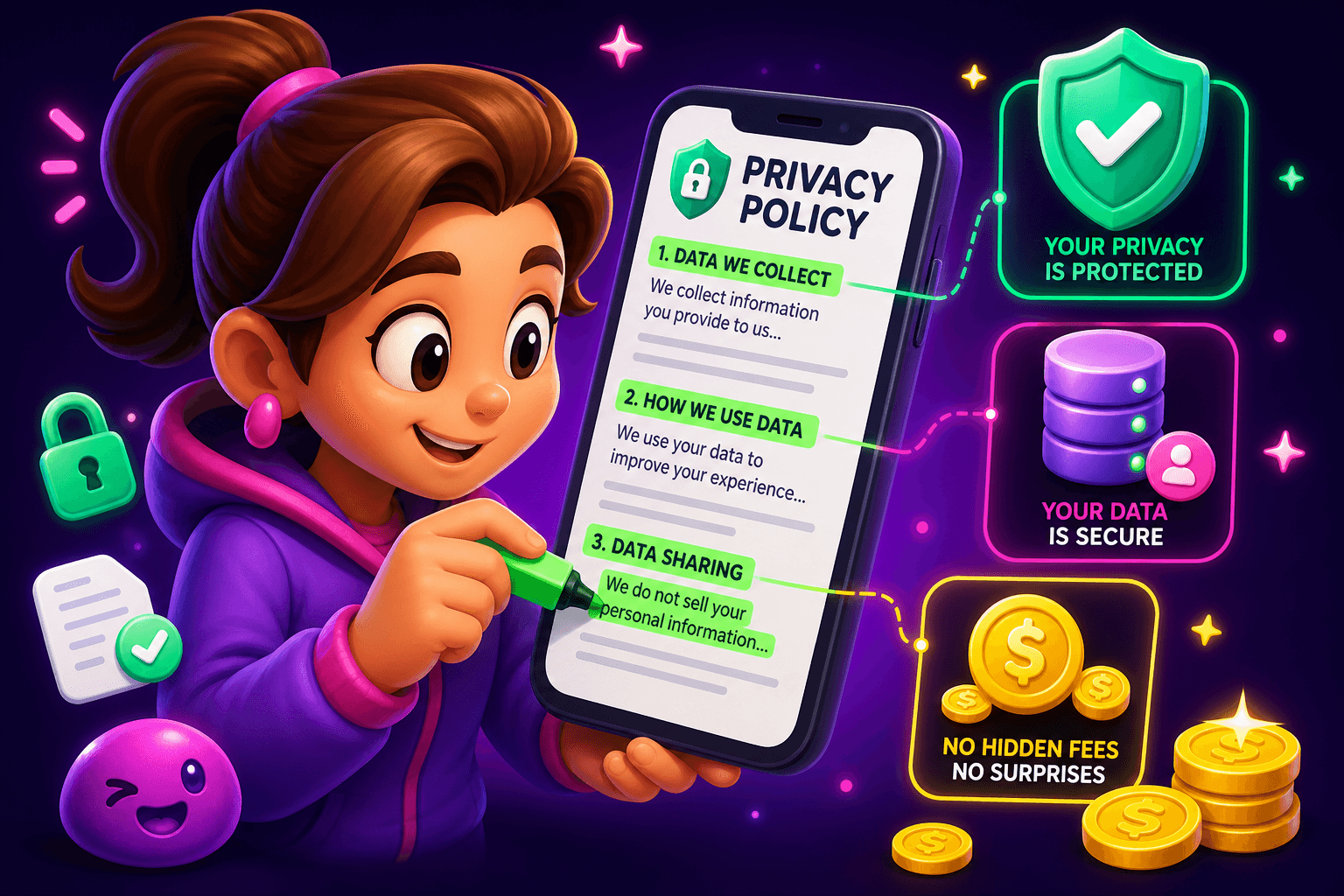
Start here, no fluff. When you open a rewards app privacy policy you do not need to read every legal paragraph. Aim to answer five quick questions in under five minutes. If the answers are clear, you can keep using the app. If they are vague, consider switching or digging deeper.
Quick checklist to use in five minutes
- Who collects your data and why? Scan the opening paragraphs for the data controller or company name and the stated purposes. Legit apps say things like: to deliver the service, process payments, prevent fraud, and personalize ads.
- What data is collected? Look for an explicit list: email, name, IP address, device ID, location, usage, payment info. If the policy uses vague phrases like "other information," flag it for a closer read.
- Who they share it with? Find references to third parties, advertising partners, analytics, and affiliates. Names are better than generic "partners."
- How long they keep it? Retention periods should be spelled out or tied to an event, such as account deletion or regulatory requirements.
- Your controls and remedies. Can you delete your account, opt out of targeted ads, or request a data export? Check how to contact the company and whether requests are free.
Use that checklist as a mental scan. If two or more items are missing or vague, pause before giving sensitive info like a credit card or social login.
Scan these sections fast
Privacy policies usually follow a predictable order. Jump to these headings and read one line under each.
- "Information We Collect" or "Data We Collect": This is the most important. Watch for device IDs, advertising IDs, precise location, and payment data.
- "How We Use Information": Legit uses include account operation, payments, fraud detection, and customer support. Ad personalization is okay if disclosed. Long unexplained lists are a red flag.
- "Sharing" or "Third Parties": If they share with "advertising partners" or "service providers," check for examples like Google, Facebook, or Clearbit. No names means more risk.
- "Retention" or "How Long We Keep Data": Specific timeframes are best, for example 1 year after last activity, or until account deletion.
- "Your Rights": Look for clear steps to delete data, opt out of marketing, or request copies.
If a policy has a table of contents, use it. If not, use your browser search for keywords: "collect," "share," "delete," "retain," "advertising," and "cookies."

What to watch for: red flags and green flags
Green flags
- Specific examples of shared partners, like analytics or payment processors.
- Clear retention windows, even a default of 2 years after inactivity.
- Easy account deletion process, with an email address or in-app control.
- Opt-out instructions for targeted advertising and email marketing.
Red flags
- Broad phrases like "we may share with any third party for any purpose." That is intentionally vague.
- No contact method for privacy requests or only a PO box.
- Mandatory data collection that is not required to provide the service, such as precise location for a coupon app.
- Promises that conflict with the app store listing, like saying they do not sell data but clearly monetize via ad networks.
If you see a red flag, contact support with a clear question before investing time or money. Keep a screenshot of the policy date and the problematic paragraph.
Concrete examples and a script you can copy
Example: You open the policy and find this line: "We may share aggregated nonpersonal information with partners." That is fine if it is truly aggregated. Follow up this way.
Copy-paste question to support
"Hi, I reviewed your privacy policy. Can you confirm whether you share personal data with advertising partners, and if so, which partners? Also, how long do you retain user data and how can I request deletion? Please respond with a timeline and contact email."
Expect a reply in 3 to 7 business days. If you get a generic canned response that does not name categories or partners, consider it a warning.

A realistic mindset: what to expect from rewards apps
Most reward apps are built to monetize attention. That often means they collect usage and device identifiers and share some data with ad networks. That is normal, but transparency matters. Be realistic about earnings too. Real apps pay $10 to $150 per month for most users. If a product promises huge earnings but has vague privacy rules, step back.
If you want a concrete example of a clear offering, Playpot is a free play-to-earn rewards site. Play games, take surveys, and complete app offers to earn coins, then cash out real money via PayPal, Venmo, or Cash App. Reward methods include PayPal, Venmo, Cash App, Zelle, and gift cards, and the platform runs on Web, iOS, Android, and Desktop. Knowing the payment rails and minimum cashout helps you decide how much personal payment data you are comfortable sharing.
If you decide to use the app anyway: practical privacy steps
- Use a unique email address for rewards apps, and consider a dedicated email alias. This limits marketing fallout.
- Avoid social logins when possible. Social logins can share broader profile data.
- Revoke permissions you do not need, like precise location or contacts.
- Use PayPal or Cash App as payment rails when available rather than entering card numbers directly, if the app supports them.
- Periodically check the policy for updates and take screenshots of the version you reviewed.
These steps reduce ongoing exposure while letting you use legitimate rewards apps safely.

Also worth a look
Birthday Hunter aggregates 500 plus birthday freebies from big brands, which is handy if you use rewards apps to stack small savings and freebies. It helps you grab offers on your birthday without joining many loyalty programs one by one. Use it to find free food and retail perks that pair well with earned gift cards.
Wrap up
A five minute scan can tell you whether a rewards app is a reasonable privacy risk. Use the checklist, look for named partners and retention windows, and ask the support questions provided here when in doubt. If a policy stays vague after you ask, treat that as a red flag and limit the personal data you share.
Turn this into real money with Playpot
Play games, take surveys, and complete offers — earn from your very first one and cash out real money.
Play nowGet the best-paying offers by email
Drop your email and we will send the best-paying offers so you can start earning the moment you sign up.
We use your email to send the bonus code and occasional Playpot updates. Unsubscribe in one click.