Privacy tips for rewards apps: stay safe while you earn
Privacy-first steps for rewards apps: limit tracking, secure identity documents, use safer payment options, and check app permissions before cashing out.
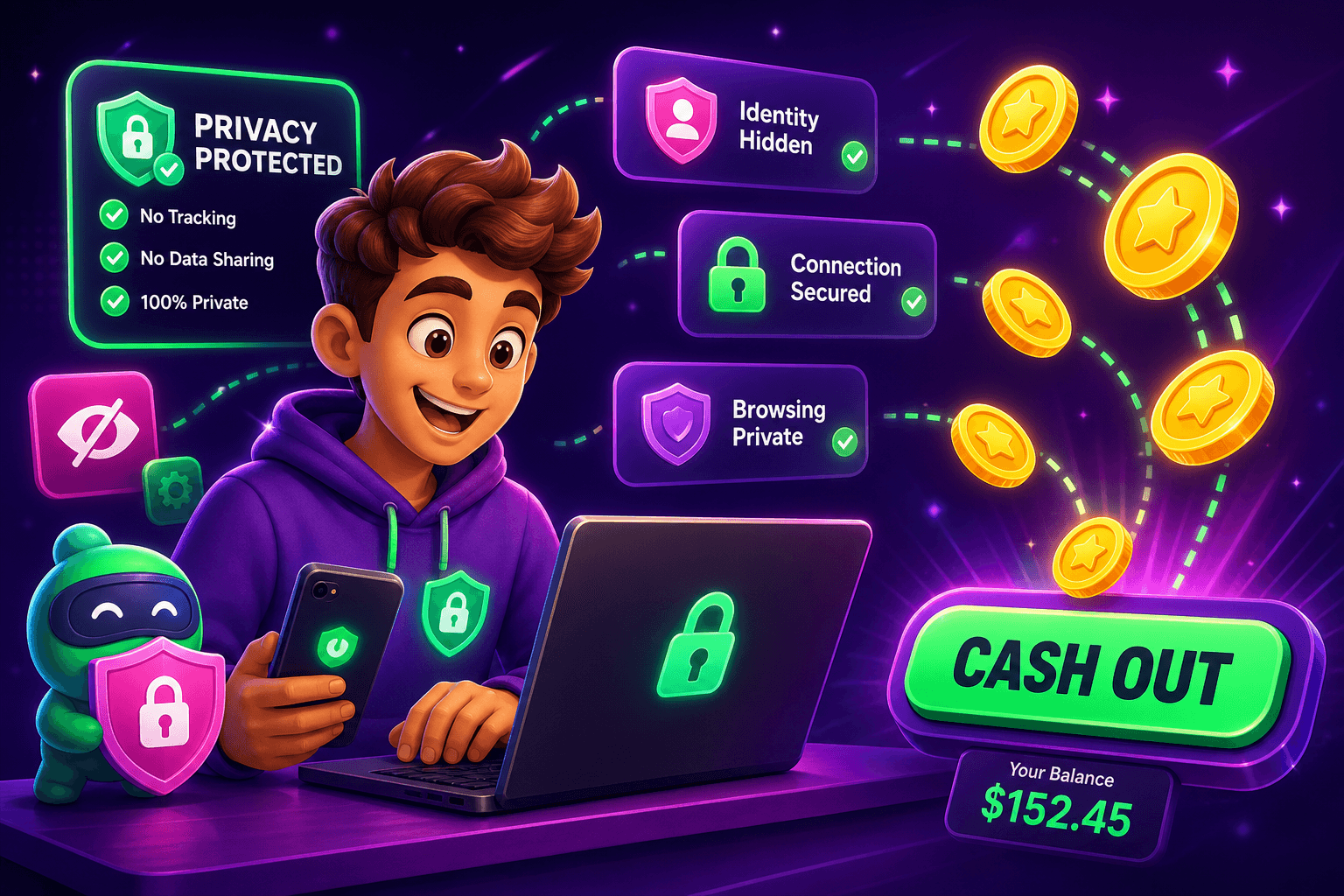
Worried about handing over your email, phone number, or ID when you sign up for reward apps? These practical steps help you minimize data exposure while still earning a little extra. Real apps typically pay $10 to $150 per month for most users, so protect what matters while you tap and play.
Quick reality check
Rewards and survey apps collect a lot more than your username. Expect to see requests for email, phone number, device identifiers, and sometimes identity verification for cashouts. They may also track how you use the site or app for personalization and ad targeting.
A few concrete expectations:
- Earnings are modest for most people, commonly in the $10 to $150 per month range.
- Cashout and payout rules vary. Know the minimums before you invest time.
- Some apps use your activity data to match offers and sell anonymized analytics.
Knowing what is typical helps you decide which tradeoffs are acceptable.

Before you sign up
-
Use a throwaway email plus a recovery address. Create a dedicated email for rewards apps, and connect a recoverable address only if needed. This keeps promotional spam out of your main inbox.
-
Use a password manager. Generate a unique, strong password and store it in a password manager. Avoid reusing passwords from other accounts.
-
Think twice about phone verification. If an app requires SMS for verification, weigh the privacy tradeoff. Temporary phone services exist, but some platforms ban accounts that use them.
-
Limit profile data. Only fill the fields required to start earning. Skip optional profile details like birthdate or home address unless you need them for payments.
-
Scan the privacy policy for key points:
- What data is shared with partners?
- How long is it retained?
- Are there opt-out options for targeted ads?
Spend five minutes on those items. It pays off.
While you use an app
-
Use the Web when possible. Browser-based use often exposes fewer device identifiers than native apps. If the service is available on Web, try that first.
-
Manage permissions. On mobile, deny access to contacts, location, and photos unless the app needs them for a clear purpose. You can always grant access later.
-
Turn off ad tracking. On iOS, enable Limit Ad Tracking; on Android, reset your advertising ID and restrict ad personalization. In browsers, use privacy extensions or the built-in do not track settings.
-
Watch session cookies. If you are trying new offers, use a separate browser profile or private window to reduce cross-site tracking.
-
Use payment methods that you can control. If possible, connect a payment account you use only for side incomes so refunds, charges, or fraud alerts do not touch your main banking account.
-
Know common payout options. Some apps pay out to services like PayPal, Venmo, Cash App, Zelle, or gift cards. Verify that the reward method fits your privacy comfort level before you invest a lot of time.

When you must share documents or receipts
Some rewards apps require identity verification or receipts for offers. That can mean uploading a selfie, ID, or purchase confirmation. Handle those carefully:
- Only upload to secure portals. Check for HTTPS and official domains. If a request arrives by email, confirm it is from the app before clicking a link.
- Redact optional sensitive fields. For example, crop or blur an ID number if the app only needs your name and photo to verify identity.
- Minimize file metadata. Screenshots and images can contain location and device data. Save a cleaned copy before sending.
- Prefer ephemeral or limited-access links for sharing large files. Avoid attaching files with full metadata to long-lived messages.
If identity verification is a hard requirement for the cashout you want, read the app's retention policy. Ask support how long your docs are stored and how to request deletion.
A handy app for this
Foldr.space is a lightweight file sharing tool that helps you send large files or documents without creating a permanent cloud archive. It is useful when you need to share a receipt or ID photo for verification but do not want to upload it to a long-term storage service. Use it to generate a one-time link to a cleaned file before you submit it to an app.

Quick checklist and final notes
Keep this checklist handy whenever you try a new rewards app:
- Use a dedicated rewards email.
- Create a unique, manager-stored password.
- Prefer Web access when available.
- Limit app permissions to what is strictly necessary.
- Use a separate payment account if possible.
- Clean and redact documents before uploading.
- Read the privacy policy for sharing and retention rules.
If you want a simple, browser-first play-to-earn option to try while you apply these privacy steps, consider Playpot. Playpot is a free play-to-earn rewards site. Play games, take surveys, and complete app offers to earn coins, then cash out real money via PayPal, Venmo, or Cash App. No download, play right in your browser. It is available on Web, iOS, Android, Desktop and supports payouts via PayPal, Venmo, Cash App, Zelle, gift cards.
Small earnings add up if you stay consistent, but privacy is worth protecting. Follow the steps above and you can earn safely, without exposing more of your life than necessary.
Turn this into real money with Playpot
Play games, take surveys, and complete offers — earn from your very first one and cash out real money.
Play nowGet the best-paying offers by email
Drop your email and we will send the best-paying offers so you can start earning the moment you sign up.
We use your email to send the bonus code and occasional Playpot updates. Unsubscribe in one click.