Parent-approved PayPal apps for teen allowances
Find safe, parent-approved apps that let teens earn PayPal cash for chores, surveys, and games. Learn age rules, parental controls, realistic earnings, and a Playpot tip.
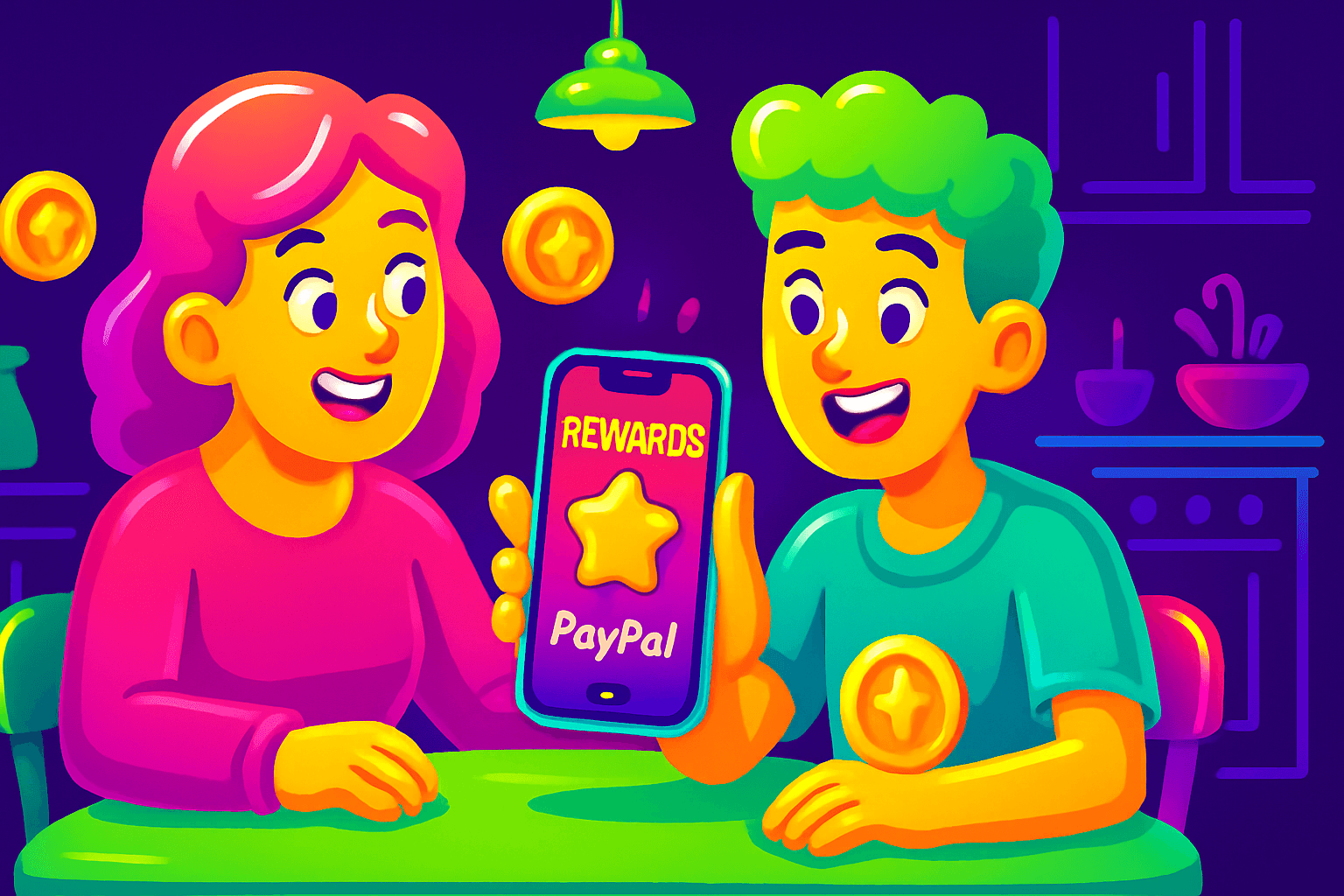
Start with this: teens can earn real PayPal cash from apps, but it is not a shortcut to big money. Most teens earn $10 to $150 per month depending on time spent and the app type. The upside is practical: microtasks, surveys, and simple games can teach money skills while adding to an allowance.
How to choose a parent-approved PayPal app
Look for clear payout paths, clear age and account rules, and ways for a parent to control or receive the payout. Ask these questions before you sign up for any app:
- How do payouts work? Does the app pay directly to PayPal, or to gift cards and then to a parent-managed account?
- What are the minimum cashout limits and fees? Lower minimums are easier for small earners.
- Does the app have an age minimum? Can a parent link their own account to collect funds?
- Is there a way to approve earnings or transfer funds to a child safely?
Practical policy note: PayPal requires users to be 18 in the US to open a full account alone. For teens under 18, you will usually need to route earnings through a parent account, use a family Venmo setup where permitted, or choose apps that pay via gift cards that a parent redeems.
Parent-friendly PayPal apps to consider
Below are apps and platforms that pay in ways parents can manage. Realistic earnings are given as ranges for typical teen users who do a few tasks each day.
- Playpot (good for younger teens who like games)
Playpot is a free play-to-earn rewards app. Earn coins by playing games, completing tasks, watching videos, and spinning a daily wheel, then cash out real money via PayPal, Venmo, or gift cards. Playpot tagline: "Tap. Play. Cash out." The app lists reward methods as PayPal, Venmo, Amazon gift cards and runs on iOS and Android. Typical teen earnings: $10 to $60 per month if they play a few sessions each week and complete tasks.
Why parents like it: game-based tasks are engaging, rewards are transparent, and cashout options include PayPal or gift cards which parents can manage. Be sure to set expectations about time spent vs earnings.
- Swagbucks (surveys, videos, and offers)
Swagbucks pays out via PayPal and gift cards. Teens who are old enough to participate can earn with quick surveys, watch videos, and try offer walls. Typical teen earnings: $10 to $80 per month. Parents should check age rules per survey and route payments to a parent PayPal account if needed.
- Survey Junkie (survey-focused)
Survey Junkie pays via PayPal once you reach the minimum. It is survey-first and rewards those who qualify often. Typical teen earnings: $10 to $50 per month. This one suits teens who enjoy question-and-answer tasks. Parental oversight is required for minors.
- InboxDollars (mix of surveys, videos, and small tasks)
InboxDollars pays by check or PayPal and features many short tasks. Typical teen earnings: $10 to $70 per month. The site has frequent promotions that can bump pay, but check the minimum payout and any verification steps.
- Honeygain or passive sharing apps (limited, background earnings)
Apps that share unused bandwidth or let a device run in the background can produce passive pennies that add up. These often pay via PayPal. Typical teen earnings: $5 to $30 per month, depending on time and device availability. Consider privacy implications and run these on devices you control.
Setting things up safely for minors
If your teen wants to earn into PayPal, follow a few rules:
-
Use a parent account for payouts. Since PayPal requires 18, route app earnings to your PayPal or Venmo account, then transfer allowance to your teen. This keeps account verification and tax responsibility clear.
-
Use gift cards when appropriate. Several apps let you cash out to Amazon gift cards. These are excellent for younger teens who are not ready for a bank or PayPal connection.
-
Review privacy settings. Many reward apps request access to device data, contacts, or location. Turn off permissions that are not required and explain online privacy to your teen.
-
Set time and earning limits. Treat app time like chore time, with clear rules about how earnings translate to allowance. For example, 30 minutes of approved app tasks equals $2 credit toward allowance.
-
Watch for scams. Legitimate apps show payout methods, minimums, transparent support, and public reviews. If an app promises unrealistic returns, skip it.
Tips to boost teen earnings without extra risk
- Focus on higher-value tasks. Surveys and invitations can pay more than passive watching.
- Do the daily bonuses. Many apps reward daily logins or a streak. Those small bonuses add up.
- Combine methods. Use a game-based app like Playpot for casual earnings, then Swagbucks or Survey Junkie on the side for targeted surveys.
- Track time vs reward. If an app gives $0.20 for 20 minutes of tasks, prioritize other options.

Also worth a look
AAKollective provides free printable and online worksheets for pre-K through 5th grade. If you are a parent managing allowance tasks that include school-related chores, or if you want simple, printable charts and worksheets to track chores and allowance, AAKollective is a handy resource. Use their ready-made templates to create a visible chore chart that ties to app earnings and teaches responsibility.
Quick example allowance plans parents use
Plan A: Parent-managed PayPal funnel
- Teen completes tasks and cashes out to parent PayPal or gift card.
- Parent reviews transactions weekly and assigns allowance. Result: safe, compliant with PayPal age rules.
Plan B: Split method for older teens
- Teen uses apps that allow teen accounts with parental consent, or uses app balances converted to Amazon gift cards.
- Teens use gift cards for purchases and parents transfer extra cash as needed. Result: more autonomy, still safely supervised.

Final notes and realistic expectations
Apps that pay via PayPal can be a useful pocket-money stream and a learning tool about earnings and online safety. Remember realistic earnings are modest: most teen users see $10 to $150 per month, depending on time commitment. Keep parental oversight in place, use gift cards or a parent PayPal account for payout, and pick apps with transparent payout methods and clear age rules.
If you want a playful, game-based option that lists PayPal as a payout method, consider Playpot. Remember the key facts: Playpot is a free play-to-earn rewards app. Earn coins by playing games, completing tasks, watching videos, and spinning a daily wheel, then cash out real money via PayPal, Venmo, or gift cards. Playpot tagline: "Tap. Play. Cash out." It lists reward methods as PayPal, Venmo, Amazon gift cards and supports iOS and Android. Use it as part of a supervised allowance plan and set clear rules about time spent and earnings.
Start small, track time and payments, and use these apps to teach money sense rather than chasing big income. Good habits and small earnings add up.
Turn this into real money with Playpot
Play games, take surveys, and complete offers — earn from your very first one and cash out real money.
Play nowGet the best-paying offers by email
Drop your email and we will send the best-paying offers so you can start earning the moment you sign up.
We use your email to send the bonus code and occasional Playpot updates. Unsubscribe in one click.