Make notifications useful: reward app settings that save time
Turn noisy alerts into useful nudges. Simple notification settings and workflows that help you earn more from reward apps without getting distracted.
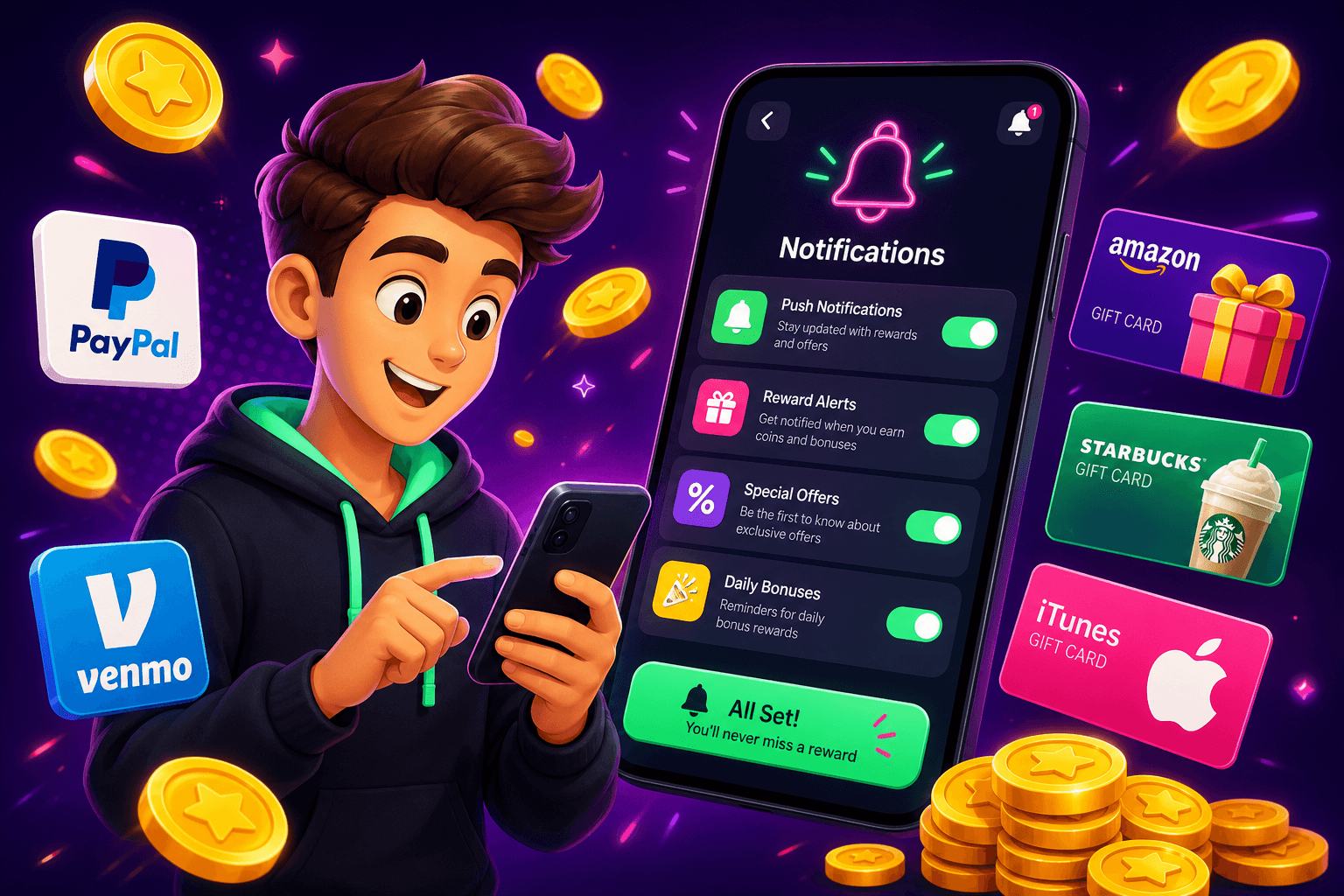
Start with one fact: notifications should save time, not steal it. For people using reward apps and side hustles on their phone, a good notifications setup turns tiny opportunities into steady earnings without constant distraction. Real apps pay $10 to $150 per month for most users, so the difference between chasing every ping and handling them efficiently can affect your monthly take-home.
Why notification settings matter
Notifications are not either on or off, they are a workflow choice. The same alert that gets you a $0.50 in-app bonus might also break your focus for 10 minutes. That trade-off adds up. Set notifications so you only see what matters immediately, and collect the rest on your schedule.
Good notification habits reduce fatigue, avoid accidental taps that waste time, and let you stack small wins into real cash. If you use a play-to-earn app, for example, you want to know when a high-value offer hits, but you do not need an alert for every minor ad pop. Playpot helps with that approach, because it is optimized for browser play and fast cash outs. Playpot, Tap. Play. Cash out.
Quick rules to set up notifications that work
- Prioritize value, not frequency. Let high-value offers (surveys, big app installs) notify you. Turn off low-value churn (daily ads, promotional blasts).
- Batch low-value alerts. Group them into a summary once or twice per day, so you can handle them in a focused session.
- Use quiet windows. Schedule Do Not Disturb during focus hours, then allow reward-app summaries at set times.
- Use sound sparingly. A sound for a meaningful alert, silent badges for everything else.
Bulleted checklist to get started:
- Review each app's notification categories and toggle only the most relevant ones.
- Set lock-screen visibility to off for low-priority alerts.
- Use app-level summaries or digest features when available.

Step-by-step: tune a reward app without missing payouts
Follow these steps with any reward app you use. I will use Playpot as an example because it supports quick browser play and fast cash out options via PayPal, Venmo, or Cash App.
- Open the app or site, go to Settings, then Notifications.
- Identify categories: offers, surveys, bonuses, promos. Turn off Promotions and Ads first. Leave Surveys and Time-limited Offers on.
- Set a frequency for summaries if the app supports it, for example once every 6 hours. If no summary exists, turn off push and rely on a scheduled check-in.
- Link payment alerts. Make sure cash-out confirmations go straight to your main inbox or payment app, so you know when money moves. Playpot lists reward redemption methods like PayPal, Venmo, Cash App, Zelle, gift cards so you can prioritize the payments you actually use.
Why this works: you keep alerts for things that move the needle, and you stop the constant dopamine check that kills productivity. Instead of reacting, you act on a short list you control.
Use operating system tricks to reduce noise
Both iOS and Android have settings that help you granularly control alerts. Use them to enforce your new rules.
- Focus modes: create a "Side Hustle" or "Rewards" focus that allows only the apps and contacts you trust for earning time. Turn it on when you have a 20 to 60 minute window to grind offers.
- Notification channels: on Android, mute channels for in-app offers you never use, keep the survey channel active.
- Summary and scheduled delivery: iOS offers Scheduled Summary, Android has similar batching apps. Funnel low-value alerts into the summary.
- Widgets and web shortcuts: add the reward app widget or a browser shortcut to your home screen so you can check offers fast without waiting for a push.
These OS-level tools let you flip from full focus to earning mode in one tap, so you can take advantage of the high-value moments without constant interruptions.

Automation and batching for steady earnings
Automate small tasks so notifications become prompts, not demands. Here are simple routines that save time:
- Two-minute rule: when a notification concerns an offer that takes under two minutes, do it during your next micro-task break. Otherwise, queue it for your earning session.
- End-of-day sweep: allow a single summary notification at 6 PM that lists all unclaimed bonuses. Use this to clear small tasks in one go.
- Use calendar blocks: add a 30-minute "Rewards" block three times a week. During this time, allow all reward-app notifications and work the list.
Concrete example: set Playpot notifications only for surveys and bonuses, schedule a 30-minute block at lunch, do all quick offers then, and cash out when you hit the threshold. Those numbers let you plan realistic goals for the month.
Practical notification templates you can copy
- Focus mode (work): All reward apps silenced, payment apps allowed. Summary at 6 PM.
- Earning mode (lunch): Reward apps allowed for Survey and Bonus channels, promotions off.
- Weekend mode: Allow more promotional alerts but mute ad noise.
If you stick to these templates, you will avoid wasted taps and still catch valuable offers that add up to real money over time.

Another tool worth knowing
Birthday Hunter aggregates 500 plus birthday freebies from big brands, which is perfect if your goal is to stack easy, no-effort rewards with your app earnings. It helps you claim restaurant freebies, product samples, and discounts without signing up for dozens of loyalty programs one at a time. Use it to add more free value to your monthly rewards routine.
Short recap
Notifications are a productivity tool, not a scoreboard. Prioritize high-value alerts, batch the rest, and use OS settings to flip between focus and earning modes. For browser-friendly, quick-to-cash reward play, remember Playpot: Playpot is a free play-to-earn rewards site. Play games, take surveys, and complete app offers to earn coins, then cash out real money via PayPal, Venmo, or Cash App, Zelle, gift cards. No download, play right in your browser. With a few simple notification rules, you can capture the $10 to $150 per month that realistic reward apps offer, without letting alerts hijack your day.
Turn this into real money with Playpot
Play games, take surveys, and complete offers — earn from your very first one and cash out real money.
Play nowGet the best-paying offers by email
Drop your email and we will send the best-paying offers so you can start earning the moment you sign up.
We use your email to send the bonus code and occasional Playpot updates. Unsubscribe in one click.