How to use two phones legally to boost your earnings
Learn safe, legal ways to use two phones to earn more from apps, surveys, and play-to-earn platforms. Compliance tips, realistic earnings, and step-by-step setup.
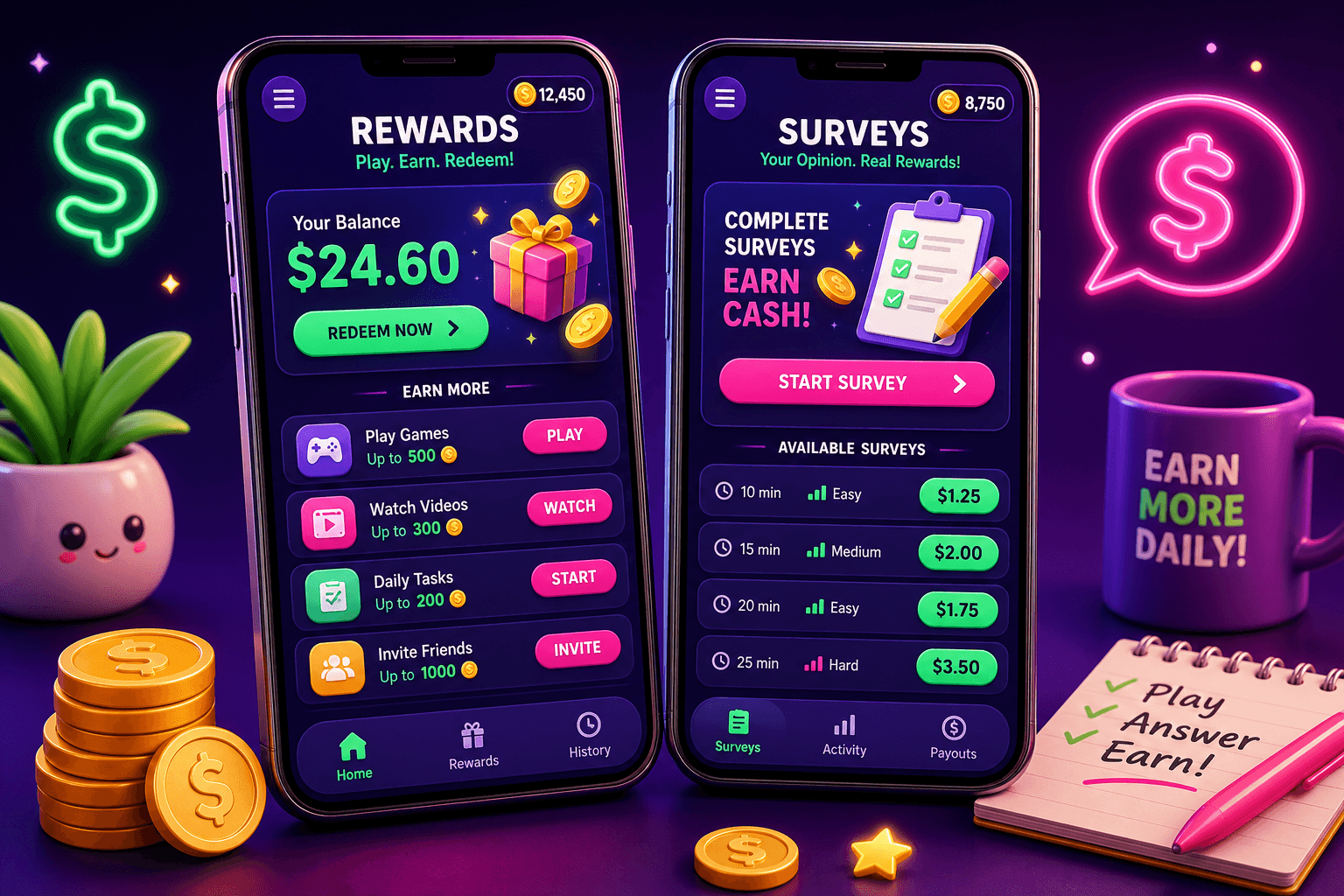
Quick claim: two phones can make sense
Using two phones can increase your earning opportunities, without breaking rules, if you set them up carefully. People commonly run a primary phone for daily tasks and a secondary phone for background earning apps, surveys, or split accounts. Expect realistic gains: most casual users make $10 to $150 per month, depending on time invested and app choices.
Is it legal and is it allowed by apps?
Short answer: yes, if you follow laws and each app's terms of service. The legal risks are low as long as you are not committing fraud, impersonating someone else, or using stolen accounts. The app risk depends on each platform. Many apps allow multiple devices for a single user, others forbid multiple accounts from the same person.
What to do:
- Read terms of service before you try to use more than one device with the same app.
- Avoid creating duplicate accounts that pretend to be different people. That is commonly prohibited.
- Keep identity documents, payment accounts, and contact info consistent with what the service expects.
If an app explicitly bans multiple accounts, use your second phone for different apps or for separate roles, not to impersonate another user.
Practical setups that keep you compliant
Here are common, lawful setups that people use to increase their earning bandwidth.
- One phone for primary tasks, one for background earnings
- Primary phone handles social, messages, banking. Secondary phone runs low-risk, background-friendly apps such as step counters, passive survey invites, or casual games. This reduces battery and data strain on your main device.
- One phone for personal accounts, one for business accounts
- Freelancers often separate client communications and marketplaces on one device while using the other for gigs and side apps. Make sure both accounts follow platform rules.
- Different apps on each phone
- Instead of duplicating a single app, run different earning apps concurrently. This avoids the most common violations.
- Use separate phone numbers if required
- Some apps verify by phone. If an app allows multiple devices for a single account, reuse the same number. If an app requires unique verified numbers per account, check terms and use legitimate additional lines like a second SIM or a paid VoIP number that the app accepts.
Avoid bots, emulators, or automated scripts. Those raise fraud flags and can get all your accounts banned.

Managing data, battery, and costs
A second phone adds costs. Keep those realistic.
- Choose a budget phone that supports the apps you need. A $100 to $250 used or refurbished phone is often enough.
- Use Wi-Fi when possible to avoid extra cellular costs. If you must use mobile data, pick a low-cost prepaid plan or a second SIM.
- Monitor battery usage and set screen-time rules. Many earning apps need minimal interaction, so set notifications smartly.
Track whether the extra device actually improves net earnings after phone and data costs. If your earnings are $10 a month and the extra SIM costs $10, you are not profiting.
How to split tasks to scale earnings without breaking rules
Think of each phone as a role, not a way to multiply the same account.
- Phone A: high-trust apps tied to your identity, payment methods, and long-term accounts. This is where you keep apps you deeply rely on.
- Phone B: experimental apps, additional surveys, offer walls, and casual play-to-earn apps. Use it to test new opportunities without risking your main accounts.
Example weekly workflow:
- Morning: glance at Phone B offer lists while commuting or during breaks.
- Afternoon: accept short surveys on Phone B. Do 3 to 5 short surveys daily for realistic extra cash.
- Evening: log earnings, transfer eligible funds to PayPal or your chosen payout method.
Realistic numbers to expect: a focused user who dedicates 30 to 60 minutes per day across two phones can add $20 to $100 monthly, depending on app mix and available offers.
Protect privacy and avoid account bans
Security is as important as compliance.
- Use unique, strong passwords managed with a password manager.
- Keep two-factor authentication enabled when available.
- Keep a single, trained contact method for identity verification if apps require it.
- Avoid sharing screenshots or earning tips that prompt risky behavior like account swapping.
If an app flags your activity, resolve it honestly with support. Provide requested verification instead of attempting workarounds.

Where Playpot fits, and a realistic example
Playpot is a free play-to-earn rewards site. Play games, take surveys, and complete app offers to earn coins, then cash out real money via PayPal, Venmo, or Cash App. No download, play right in your browser.
Playpot fits the Phone B role well. Because it runs in a browser, the secondary phone can run Playpot in a mobile browser while your primary phone stays cleaner for daily life. Facts to keep in mind when trying Playpot:
- Tagline: Tap. Play. Cash out.
- Minimum cashout: 20 USD.
- Reward methods include PayPal, Venmo, Cash App, Zelle, gift cards.
- Platforms: Web, iOS, Android, Desktop.
Example earnings plan with two phones including Playpot:
- Phone A: client work, messaging, banking.
- Phone B: Playpot for quick game rounds and surveys, plus 2 other low-risk survey apps.
- Weekly time on Phone B: 4 to 8 hours. Expected Playpot contribution: $5 to $40 monthly, depending on offers and how much you play.
Remember the minimum cashout is 20 USD.
Protect yourself from gray practices
Do not:
- Create multiple accounts that impersonate different people.
- Use falsified documentation.
- Run bots or emulators to simulate human interaction.
Stick to transparent, time-based scaling. If something promises unrealistic returns for little effort, it is likely a scam or violation.

Also worth a look
Foldr.space is a lightweight file sharing and hosting tool that helps if you need to send screenshots, portfolios, or receipts between devices without signing up for full cloud storage. It is handy when you run two phones and want to move verification photos or earning logs quickly between them. Try Foldr.space for one-off transfers and quick links.
Quick checklist before you start
- Read app terms of service for multiple devices and multiple accounts.
- Budget for a second phone and data, and verify it still makes sense after costs.
- Assign roles to each phone: identity, experiments, or separate app types.
- Use secure passwords and two-factor authentication.
- Track earnings weekly and stop any practice that risks an account ban.
Using two phones can be a safe, legal way to increase your side income if you act within rules and keep expectations realistic. Tap into trusted apps like Playpot, protect your identity, and measure whether the extra device actually improves your bottom line.
Turn this into real money with Playpot
Play games, take surveys, and complete offers — earn from your very first one and cash out real money.
Play nowGet the best-paying offers by email
Drop your email and we will send the best-paying offers so you can start earning the moment you sign up.
We use your email to send the bonus code and occasional Playpot updates. Unsubscribe in one click.