How to Stack Coupons and Cashback Apps Safely
Step-by-step guide to stacking coupon codes with cashback apps safely. Learn the right order, tracking checks, returns rules, and real saving examples.
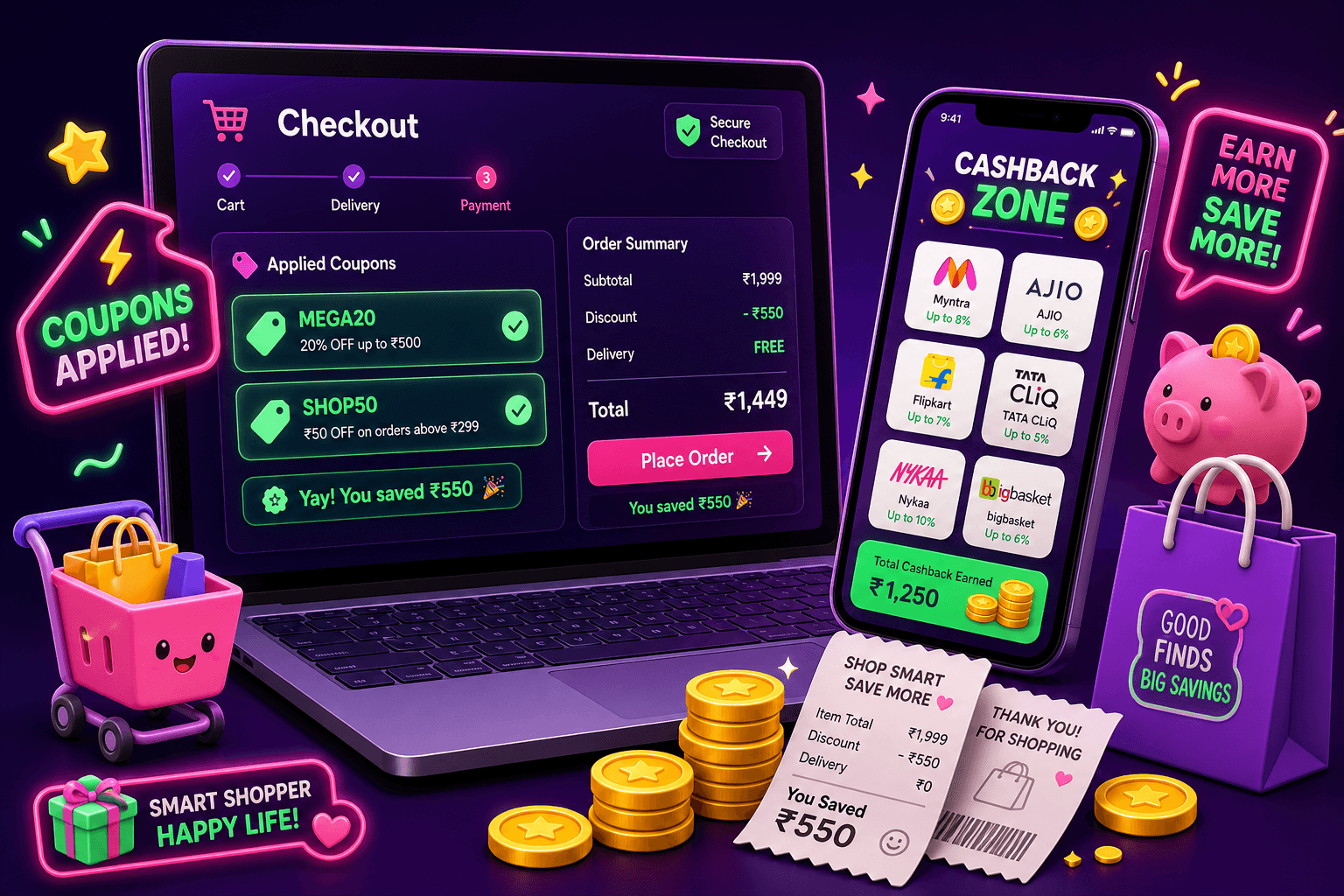
Start with a simple rule: coupons and cashback usually work together, but only if you respect tracking and return policies. Do the setup steps first, then apply coupons, then pay. Here is a safe, repeatable system that prevents lost cashback, denied payments, and annoying returns surprises.
How stacking works in plain terms
Coupon codes reduce the price at checkout. Cashback apps or portals then pay you a percentage or fixed amount based on the final sale the merchant reports. That means you do get both savings, but the order and tracking matter. If the cashback portal does not register your visit, you lose the cashback even if the coupon works.
Concrete example: an item costs $100 and you have a 20% coupon. After the coupon the price is $80. If your cashback app offers 5% on that merchant, cashback is 5% of $80, or $4. Your total out of pocket is $76, not $71. Expect most cashback to be calculated on the post-coupon amount.
Step 1: prepare before you click buy
- Log into the cashback app or extension first. Many apps require you to start the shopping session from their app or portal so they can attach a tracking cookie.
- If you use a browser extension, enable it and click the merchant link supplied by the extension. If you use a mobile app, open the merchant site through the app.
- Clear cookies or use an incognito window if you have conflicting tracking cookies. Multiple past visits can break tracking.
- Have your coupon codes ready in a clipboard or a coupon manager so you can paste them quickly.
Doing these prep steps cuts the main cause of lost cashback, which is missing or broken tracking.

Step 2: apply coupons, then confirm cashback
- Apply coupon codes at checkout. Use the best tested code, not every code at once. Some sites only accept one coupon.
- Before finalizing payment, check your cashback app for a confirmation that the purchase was tracked. Many apps will show a pending credit right away. If you see no tracking confirmation, do not complete the order yet. Try clicking the merchant link from the app again, then reapply the coupon and refresh the cart.
Example: you clicked through a cashback portal and the extension shows "Tracked, pending." That is a green light. If the portal shows nothing, re-click from the portal and retry the checkout in the same browser session.
Common pitfalls and how to avoid them
- Multiple tabs: clicking the portal in one tab and completing checkout in another can break tracking. Keep everything in the same tab.
- Third-party coupons and store rules: some coupon sites offer codes that the merchant flags as fraudulent. Use reputable coupon sources or the store's official promo codes.
- Excluded items: gift cards, subscriptions, and some digital items may be excluded from cashback or coupons. Read the merchant terms before you buy.
- Coupon apps that apply discounts after checkout: if a coupon is applied off-site or as a rebate, the merchant may not report the sale the same way to the cashback portal. That can cause denial.

Returns, partial refunds, and cashback clawbacks
Cashback is rarely final until the merchant return window closes. If you return an item, the cashback site usually deducts the cashback from your account or cancels a pending payment. Here is how to manage this risk:
- Keep proof of purchase and the cashback confirmation screenshot or pending credit email. If the portal loses track, this helps with disputes.
- Expect delayed pay dates. Many cashback apps hold credits for at least 30 to 90 days to account for returns.
- For partial refunds, expect the cashback to be adjusted proportionally, if the portal supports adjustments. If not, you may need to file a dispute.
Real example: you buy a $200 jacket with a 25% coupon, paying $150. Cashback portal shows 6% on the $150, or $9 pending. Two weeks later you return the jacket, and the portal cancels the pending $9. That is normal. If the portal still pays out, they might claw back the payment later.
Tools and setup that make stacking easier
- Use a reliable cashback extension or the merchant link inside the cashback app. Extensions can auto-detect coupons and confirm tracking, but they must be allowed to run on the site.
- Keep a simple spreadsheet or notes app listing the merchant, coupon, expected cashback, and tracking screenshot. This is helpful if you need to dispute a missing payment.
- Use a different browser or an incognito window for coupon testing so you do not lose the portal cookie from your main session.
If you like low-effort side earnings while shopping, you can also run play-to-earn or rewards sites in spare moments. Playpot is a free play-to-earn rewards site. Play games, take surveys, and complete app offers to earn coins, then cash out real money via PayPal, Venmo, or Cash App. No download, play right in your browser.

If this sounds useful
Birthday Hunter collects birthday freebies and promo offers from hundreds of brands, which can add extra discounts or freebies around your birthday. It is handy for shoppers who want to maximize small wins like free meals, gift card bonuses, and targeted coupons. Use it to spot birthday offers before you stack coupons and cashback for a bigger saving.
Quick checklist before you hit buy
- Click the merchant link from your cashback app or extension. Confirm a tracked or pending credit.
- Apply the best tested coupon code, then confirm the price reflects the discount.
- Take a screenshot of the cashback confirmation or pending credit.
- Pay with the method that gives the best protection for returns, for example a credit card with easy dispute options.
- Keep an eye on your cashback account for the pending credit, and note the merchant return window in your calendar.
Following these steps keeps cashback credits intact while you still benefit from coupon savings. Expect honest returns: most users save or earn an extra $10 to $150 per month from coupons and cashback combined, depending on how much they shop. No one should promise instant fortunes. With careful tracking, you can reliably stack codes and cash back without losing rewards.
Turn this into real money with Playpot
Play games, take surveys, and complete offers — earn from your very first one and cash out real money.
Play nowGet the best-paying offers by email
Drop your email and we will send the best-paying offers so you can start earning the moment you sign up.
We use your email to send the bonus code and occasional Playpot updates. Unsubscribe in one click.