How to Stack Cashback and Rewards for Bigger Returns
Combine cashback apps, receipt apps, credit card rewards, and play-to-earn apps to boost side income. Real stacking strategies, examples, and a starter checklist.
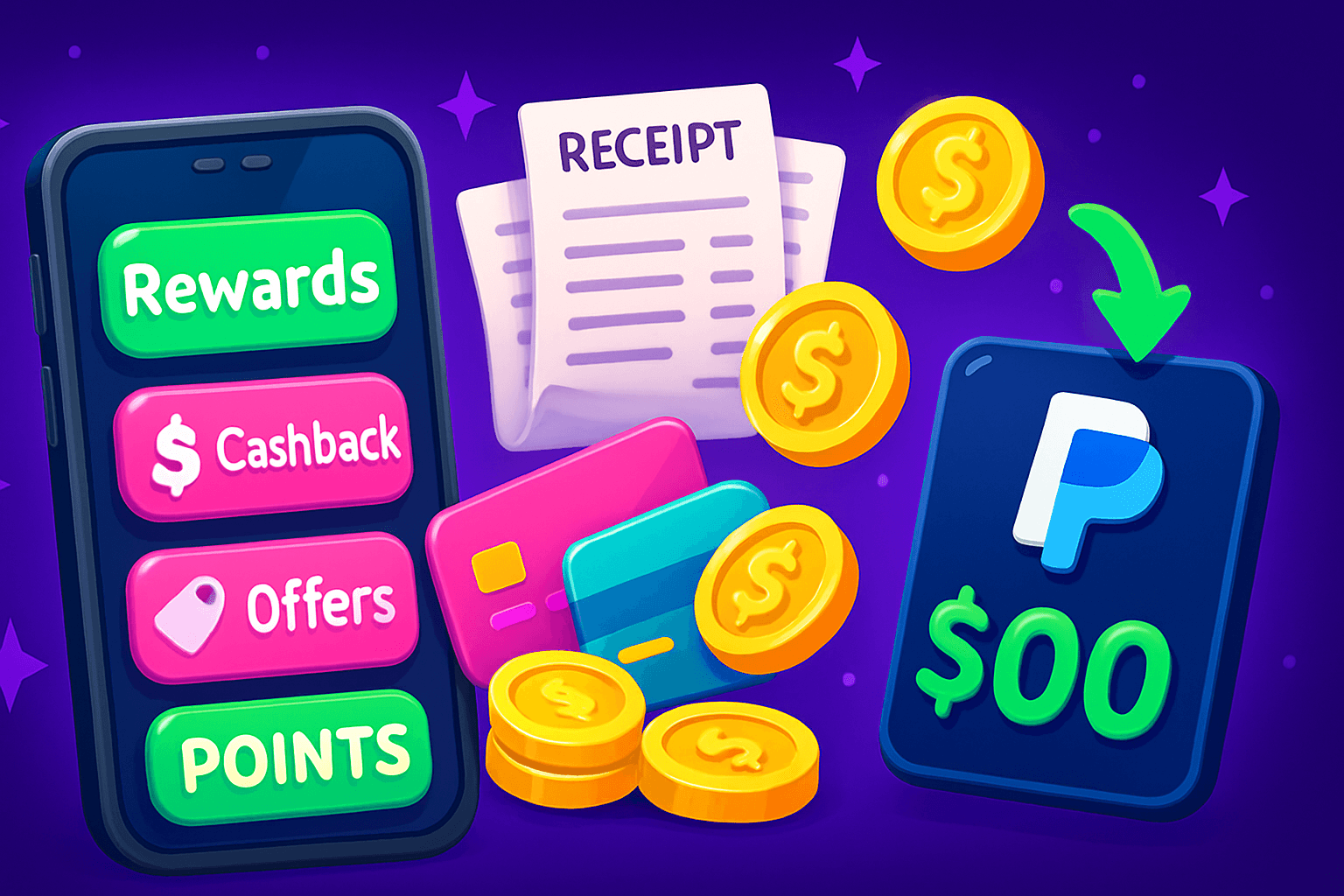
Start with a clear goal: if you shop for groceries, gas, takeout, or digital goods, stacking a few rewards can turn small savings into $30 to $150 extra per month for most people. This is realistic, repeatable, and safe when you follow the right order and avoid overspending.
Why stacking works
Each rewards tool fills a different role. A credit card gives base cashback, store loyalty adds targeted offers, a receipt app pays for proofs of purchase, and a play-to-earn or rewards app pays small bonuses for tasks and micro-actions. When you combine them you get multiple payouts for the same purchase.
Example math, conservative: a credit card at 2% plus a cashback app at 3% plus a 50 cent receipt app reward on a $40 grocery shop equals roughly $2.80 plus a $0.50 receipt reward, so a total of about $3.30 back on that single trip. Over a month of regular shopping, that adds up.
The safe stacking order to follow
Use this checklist every time you buy online or in-store:
- Coupons and promos first. Clip a digital coupon or apply a promo code before anything else.
- Activate in-store offers in the retailer app or loyalty account if the purchase is eligible.
- Start your cashback app or browser extension link before you click to buy.
- Pay with a rewards credit card for base points or percent back.
- Submit receipts to receipt-based apps within their time window.
- Add bonus earnings via short tasks or a rewards app when you have spare time.
Following an order prevents conflicts. If two tools try to track the same sale, the credit card and retailer tracking are usually the most reliable, so make sure the purchase is eligible before relying on third-party tracking.

Which apps to combine, and realistic returns
- Browser cashback + credit card: Good for online purchases. Browser cashbacks often range from 1% to 10% depending on the merchant. Credit cards add another 1% to 3% on average, plus category bonuses.
- Receipt apps: These pay per receipt or per product. Typical payouts are $0.25 to $1.50 per receipt or item. They are easiest for grocery shopping and drugstore runs.
- Play-to-earn and rewards apps: These give small payouts for simple actions, such as watching a short video, completing a quick task, or spinning a daily wheel. Most users earn $10 to $150 per month across apps if they are consistent and selective.
Keep expectations realistic. Most legitimate apps will not replace a job, but they can create meaningful pocket money. Avoid any app that demands an upfront payment or promises unrealistic multi-hundred-dollar daily returns.
A real example: one shopping trip
You need household supplies and shop online at Store X. Here is how you might stack:
- Apply Store X promo code for 10% off.
- Click the Store X link inside a cashback browser extension for 4% back.
- Pay with a credit card that gives 2% back on online purchases.
- After delivery, scan the receipt into a receipt app for a $0.75 reward.
- Spend 5 minutes on a rewards app to earn a small bonus coin reward that converts to gift cards.
If your order was $80, the savings could look like: $8 (promo) + $3.20 (4%) + $1.60 (2%) + $0.75 receipt, plus a small rewards app payout. Net savings on that single order exceeds $13 before counting the rewards app bonus.

How to avoid common pitfalls
- Don’t overspend just to hit bonuses. Only buy what you planned to buy.
- Track offers in a simple spreadsheet or use a note app. Record which apps give which bonuses and the payout thresholds.
- Watch pay thresholds and withdrawal methods. Many apps pay via PayPal or gift cards and have minimums.
- Combine apps that allow stacking. Read terms to confirm whether cashback sites void rewards if you use discount codes or browser blockers.
Spotlight: Playpot
Playpot is a free play-to-earn rewards app. Earn coins by playing games, completing tasks, watching videos, and spinning a daily wheel, then cash out real money via PayPal, Venmo, or gift cards. Playpot follows a play-to-earn model where small, repeatable actions add up over time. You can cash out via PayPal, Venmo, or Amazon gift cards once you reach the minimum cashout of $20. That makes Playpot an easy add-on to other stacking strategies, because you can earn extra credits during downtime and convert them into real payouts.
Use Playpot as the micro-earnings layer of your stack, not the primary income source. Pair it with cashback on purchases and receipt apps to maximize monthly returns without extra spending.

Another tool worth knowing
Birthday Hunter aggregates birthday freebies from big brands so you do not need to join every loyalty program to grab free treats. It is useful if you value low-effort perks like free food or discounts tied to birthdays, and it pairs well with stacking because those freebies reduce your out-of-pocket spend. If you want to collect every birthday reward quickly, Birthday Hunter is a handy bookmark.
How to get started this weekend
- Pick your backbone cashback tool: a trusted browser extension or an app that covers the stores you use.
- Add one receipt app and one rewards app for micro-earnings.
- Use a single rewards credit card for base cashback. Set it as default on your phone.
- Run through the checklist once during a real purchase and record the results.
If you follow this method for a few weeks you will see which combos work best for your shopping habits. For many users, modest consistency turns into an extra $30 to $150 each month. That is money you can use to cover a subscription, a night out, or save toward a bigger purchase.
Start small, track your wins, and expand combos that reliably pay. Tap. Play. Cash out.
Turn this into real money with Playpot
Play games, take surveys, and complete offers — earn from your very first one and cash out real money.
Play nowGet the best-paying offers by email
Drop your email and we will send the best-paying offers so you can start earning the moment you sign up.
We use your email to send the bonus code and occasional Playpot updates. Unsubscribe in one click.