Fix your survey profile to stop disqualifications
Small profile edits can cut survey disqualifications and boost your survey payout rate. Clear steps, real examples, and a checklist to get more completed surveys.
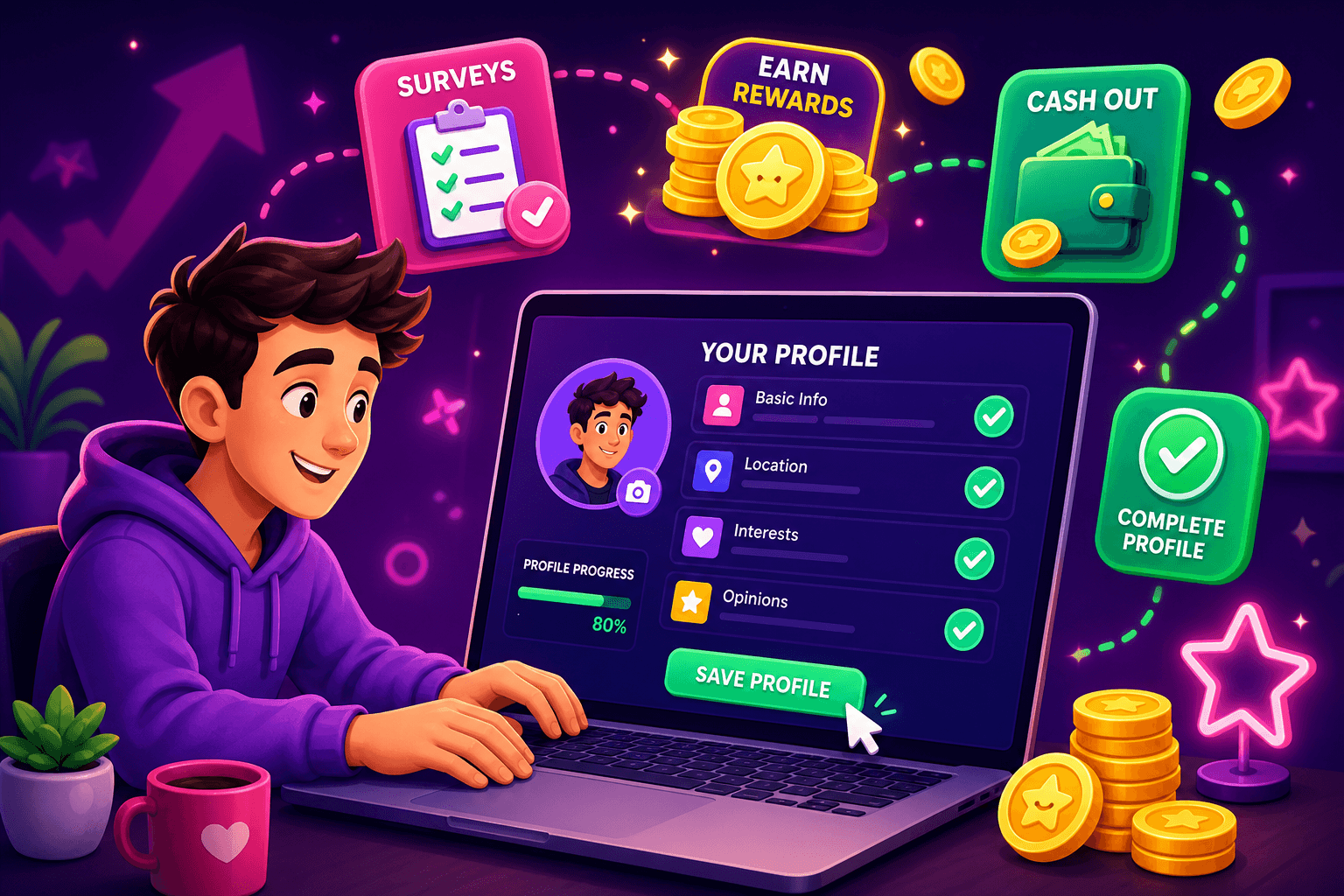
Start with the problem: survey disqualifications cost time and momentum. You click an invite, spend five minutes answering screening questions, and then get told you do not qualify. That wastes time and makes your effective earnings per hour drop. The good news is many disqualifications happen because basic profile details are incomplete, inconsistent, or unclear to screeners. Fix those and you will see more completed surveys and fewer dead ends.
Why profile edits matter
Screeners are automated or short human checks intended to match respondents to tight quotas. They look for specific flags: age range, household income, employment status, parental status, or tech ownership. If your profile is inconsistent with your screener answers the survey system will disqualify you. That is different from failing a quality check. Profile clarity lets screeners find you faster and reduces false negatives.
Concrete, realistic gains: expect to turn a handful of single-completion wins into steady completions. For most users this means going from $10 to $50 extra per month in survey payouts, not thousands. That is still meaningful pocket money when you combine it with other earning apps.
Quick profile edits that make the biggest impact
-
Age and birthdate: Put your real birthdate and a clear age. If a screener asks "Are you 18 to 24?" and your profile lists a birth year that suggests 25, you will be disqualified. Use the same format everywhere.
-
Location: Fill city, state, and zip code. Some surveys target metro areas. If you only list a state, you may miss local studies.
-
Household information: If a profile says you have children but a screener asks about households with no kids, that causes elimination. Keep a simple, truthful household line like "Lives with partner, no children" or "Lives alone".
-
Employment and industry: Use plain terms. "Part-time retail" is better than long descriptions. For freelancers include primary income source and how many hours you work per week.
-
Device ownership: If you say you own an iPhone on your profile but answer "Android" in the screener, the mismatch will disqualify you. List all devices you regularly use.
-
Language and nationality: Put the language you take surveys in. If a screener looks for Hispanic respondents but your profile omits ethnicity or language, an automated system will drop you.
-
Income brackets and education: Enter the bracket you most commonly fall into, not the aspirational or partial number. Be consistent across panels.

How to phrase entries so screeners like them
- Keep it short and direct. Use one-line facts, not long stories.
- Avoid ambiguous terms like sometimes, occasionally, or rarely. Screeners prefer definitive answers.
- For job titles, use common equivalents: "teacher" instead of "education professional". Screeners match keywords.
- For household entries state exact counts: "Two adults, one child aged 6".
Example profile snippet that works:
- Age: 28 (born 1997)
- Location: Austin, TX 78704
- Household: Partner, one child (6)
- Employment: Full-time customer service representative, 40 hrs/wk
- Devices: iPhone 12, Windows laptop
- Language: English (native)
Answering screener questions without contradicting your profile
When a screener asks a follow-up, match the profile and choose the most direct option. If your profile lists a full-time job, but you sometimes do freelance work, still pick full-time unless the screener specifically asks about freelance income. Always pause before answering a question that appears to contradict your profile, and check your profile first.
If a screen asks for a more specific age bracket than your profile, use the bracket that includes your exact age. If you are 34 and the survey asks 18 to 34, select that option rather than 35 plus. Those small mismatches are common causes for disqualification.
Track edits and test what works
Create a tiny spreadsheet with three columns: "Profile field", "Edit made", "Result after 7 days". Change one field at a time so you can see its impact. For example, add your zip code and track whether local surveys increase. Do not change multiple major items in the same week, or you will not know which tweak moved the needle.
Keep notes like:
- Added device model to profile: +2 mobile surveys completed that week
- Clarified household children ages: 0 changes
That level of tracking costs minutes and pays off in clearer matches.

Combine profile edits with good survey practice
- Use a reliable browser and allow cookies for panels you frequently use. Some screeners check cookie history to confirm panel tenure.
- Keep email addresses consistent. If you have multiple panel emails, use one primary to avoid fragmented profiles.
- Avoid contradictory social media public info. If your public LinkedIn says "senior manager" but panels you use list you as entry-level, that mismatch can trigger manual checks.
Also consider apps that organize small rewards alongside surveys. For example, Playpot is a free play-to-earn rewards site. Play games, take surveys, and complete app offers to earn coins, then cash out real money via PayPal, Venmo, or Cash App. No download, play right in your browser. Tap. Play. Cash out.
A handy app for this
Birthday Hunter pulls together birthday freebies from dozens of brands so you can grab each reward without signing up for multiple programs. It helps anyone who wants to squeeze extra value from shopping and reward routines, especially people tracking small online earnings and freebies. Use it to add predictable, low-effort perks that stack with survey payouts.

Quick checklist before you start a survey session
- Age and birthdate match across profile and screener
- City, state, and zip filled in
- Household composition is clear and numerical
- Employment status is concise and current
- Devices and languages listed accurately
- One consistent email address used for panels
Run through this checklist in under two minutes and you will avoid common, reversible disqualifications.
Final thoughts
Small profile edits are low time-cost and can noticeably increase completed surveys. Track changes one at a time, keep answers direct, and use a short checklist before each session. Expect modest but steady improvements: more completed surveys, fewer dead ends, and a better hourly return on your time. Combine this with complementary rewards tools and you will make survey time more reliably profitable.
Turn this into real money with Playpot
Play games, take surveys, and complete offers — earn from your very first one and cash out real money.
Play nowGet the best-paying offers by email
Drop your email and we will send the best-paying offers so you can start earning the moment you sign up.
We use your email to send the bonus code and occasional Playpot updates. Unsubscribe in one click.