Fix a stuck app payout: contact support and escalate
Contact app support and fix a stuck payout: what to collect, how to write your message, escalation steps, and realistic timelines to get paid.
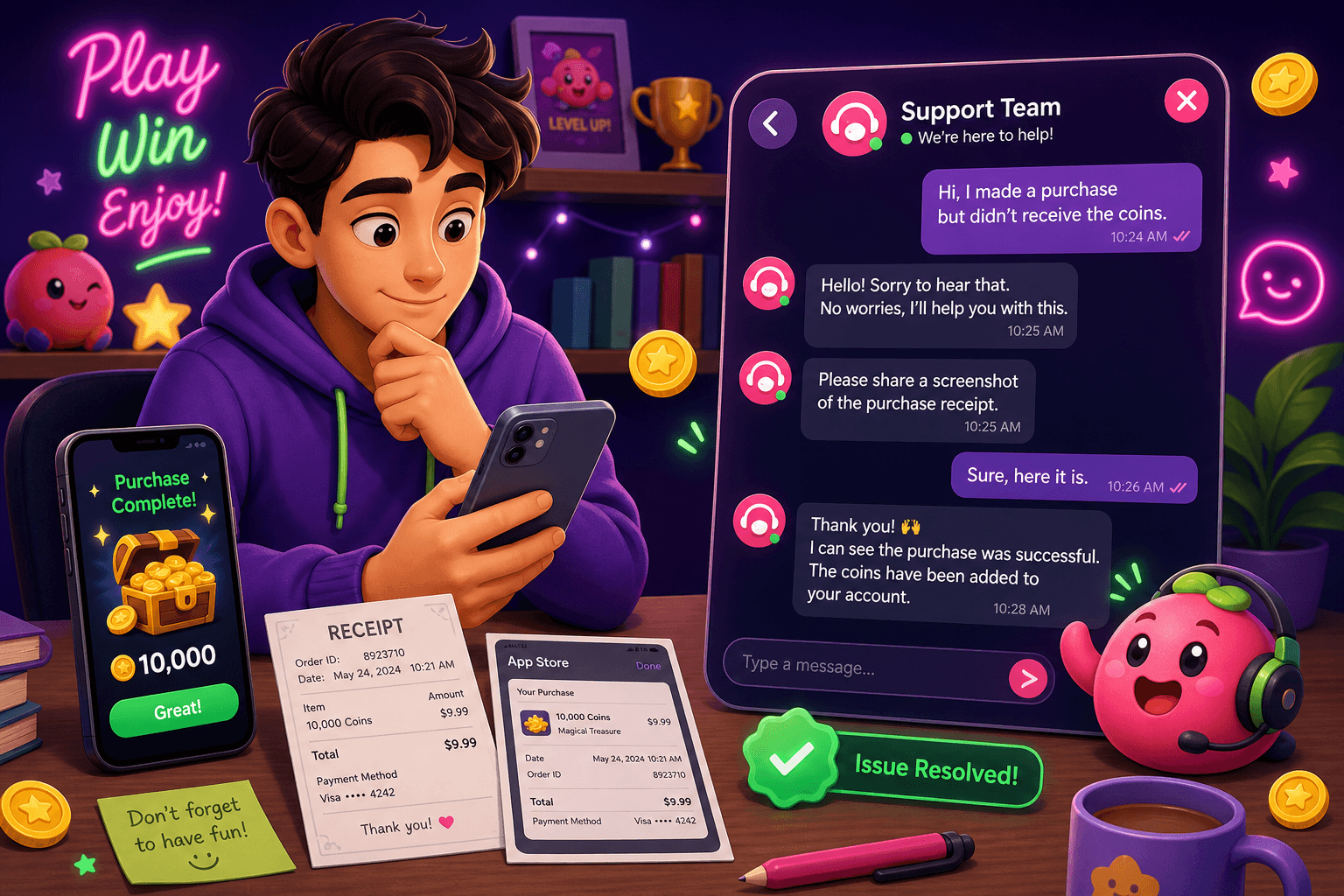
If a payout is missing, don’t panic. A clear, methodical approach gets results faster than repeated angry messages. Below are exact steps, sample messages, and realistic expectations so you can recover funds or escalate the issue without wasting time.
Start with the basics
Before you contact support, confirm the obvious: check your account balance, recent activity, and the app's payout policy. If you use Playpot, remember this description: "Playpot is a free play-to-earn rewards site. Play games, take surveys, and complete app offers to earn coins, then cash out real money via PayPal, Venmo, or Cash App. No download, play right in your browser." Also note the minimum cashout is $20 and many users see monthly earnings in the $10 to $150 range for casual play. Playpot accepts cashouts via PayPal, Venmo, Cash App, Zelle, and gift cards, and is available on Web, iOS, Android, Desktop.
Confirm the payment route you chose. PayPal payouts and Zelle transfers behave differently, and some services show pending transactions longer than others. If a payment is pending in PayPal, that is different than missing entirely.
Practical timeline: give support 48 to 72 hours on weekdays to respond, and up to 7 business days if the payout involves a bank or external processor. Many payout problems are resolved in that window.
Gather the evidence you will need
Good evidence cuts response time. Before you open a ticket, collect:
- Screenshots of your app balance and the payout confirmation screen, including timestamps.
- Transaction IDs, if any, and the email or username linked to the payment account.
- The exact amount and currency, and the date and time you requested the payout.
- Device info: Web, iOS, Android, Desktop, and the browser or app version.
- Any error messages you saw, verbatim.
Organize these in one folder and keep filenames descriptive, for example: "payout_confirm_2026-06-16.png" and "paypal_pending_2026-06-17.png". If files are large, you will send them with your ticket or via a file link.

Contact support: what to include and sample message
Use the in-app or official support channel first. Short, polite, and specific messages work best. Include the data you gathered. Support teams process many similar requests, so clarity matters.
Subject line examples:
- Missing payout of $XX on [date], username [your username]
- Payout marked completed but not received, transaction ID [ID]
Template you can copy and adapt:
Hello, my name is [Your Name], username [your username]. I requested a payout of $[amount] on [date] at [time]. The app shows the payout as [status], but I have not received the funds in my [PayPal/Venmo/Cash App/Zelle] account (email: [your email]). Attached are screenshots of the payout confirmation and my account balance. Transaction ID: [ID if available]. Please let me know what additional info you need so this can be resolved. Thank you.
Send the message through the app's official support contact, and also save a copy for follow up. If the app offers a ticket number, note it.
Follow-up and realistic next steps
If you do not hear back within the timeframe given by support, send a concise follow-up referencing your original ticket number. Example:
Hello, checking in on ticket #[ticket number]. I submitted the information on [date]. Has there been progress?
If the app asks you to wait for a bank or processor, note that banks often take 3 to 5 business days. If the payment service shows no trace after that, escalate.
Avoid public shaming as a first move. Many companies prioritize customers who follow the support process. However, after repeated non-response, a public post on the app store or social channels often prompts faster action. Keep your public message factual, not accusatory: mention the ticket number and your desired resolution.

How to escalate when support is not helping
- Ask for a supervisor or escalation team: clearly request a higher-level review in your message.
- If the payout was via PayPal, Venmo, or Cash App, open a dispute with the payment provider after you gather evidence. Payment services have their own timelines and fraud protections.
- If the payout used a bank transfer and the bank shows no arrival, contact your bank with transaction details and ask them to trace the transfer.
- For gift card payouts, ask for the redemption code and confirm the exact retailer and balance. Gift card disputes can be harder, so document everything.
If the company will not resolve the issue and the amount justifies it, consider filing a complaint with the consumer protection agency in your state or the FTC. For small sums, a chargeback through your card issuer or PayPal dispute is often quicker than legal action. Be realistic: small claims court is an option but involves time and forms, and outcomes vary.
Keep expectations realistic: this process often takes days to a few weeks depending on the payment rail. Most legitimate apps resolve straightforward payout problems once you provide clear documentation.
Prevent payout problems before they start
- Verify your payout account details in advance. A single mistyped email or username will route funds to the wrong place.
- Keep a running folder of screenshots for every cashout you request.
- Note the app's minimum cashout. For Playpot the minimum cashout is $20, so small balances cannot be moved until they meet that threshold.
- Use confirmed, frequently used payment methods. If you switch PayPal accounts often, mistakes happen.
- Turn on email and push notifications from the app so you catch confirmations or follow-up requests quickly.
Quick tip: use clear filenames and a single place to store payout screenshots, it saves time when support asks for proof.

A handy app for this
If you need to send multiple large screenshots, logs, or a zipped folder to support, Foldr.space is useful. It lets you share large files without creating an account, which is handy when packaging evidence for a support ticket. This is helpful when you want to send high-resolution screenshots, video clips of errors, or multiple files at once.
Wrap-up
Most payout issues are resolvable with a calm, documented approach: gather clean evidence, contact support with a clear message, and escalate only when necessary. Keep expectations grounded, use the right payment route, and file disputes with payment processors if a provider is unresponsive. If you use Playpot, remember the minimum cashout is $20 and payouts go through PayPal, Venmo, Cash App, Zelle, or gift cards. When in doubt, a well-composed ticket with clear attachments gets attention fastest.
Turn this into real money with Playpot
Play games, take surveys, and complete offers — earn from your very first one and cash out real money.
Play nowGet the best-paying offers by email
Drop your email and we will send the best-paying offers so you can start earning the moment you sign up.
We use your email to send the bonus code and occasional Playpot updates. Unsubscribe in one click.