Are rewards apps safe for your phone data
Learn which permissions matter, how rewards apps track data, and practical steps to protect your phone. Realistic expectations and a checklist for safe use.
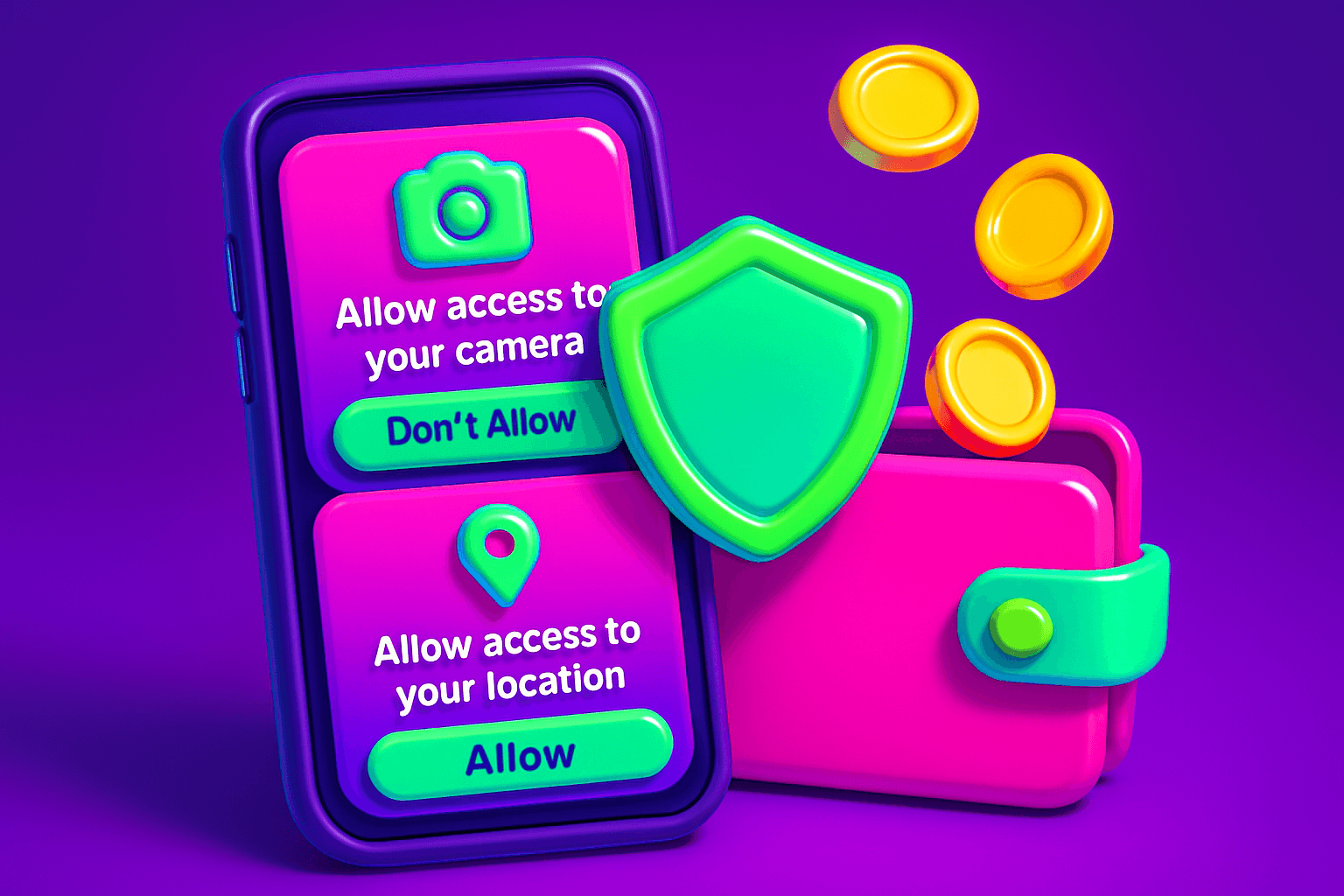
Play rewards apps sound great: tap a few games, watch a short video, and earn cash or gift cards. But how safe are these apps for your phone and personal data? This guide separates real risks from hype, and gives a clear checklist for safe use.
How rewards apps actually make money and why that matters
Most legitimate rewards apps do three things to pay users and stay in business: serve ads, sell aggregated user data, or partner with brands for offers. That business model explains what the app needs from your phone. If the app shows ads or sponsored tasks, it may collect device and usage data to target those ads. If it partners with offers, it might request basic profile info, like age range or email, to match you to deals.
Realistic earnings are modest. Expect $10 to $150 per month for typical users, depending on how much time you spend and the app mix. If an app promises massive payouts for almost no effort, treat that as a red flag.
One legitimate example is Playpot. Playpot is a free play-to-earn rewards app. Earn coins by playing games, completing tasks, watching videos, and spinning a daily wheel, then cash out real money via PayPal, Venmo, or gift cards. Seeing specific payout requirements and listed reward methods is a good sign of transparency.
What permissions actually matter
Apps ask for permissions. Not all permissions are equal. Watch for these permissions and why they matter:
- Location: Needed for local offers. Ask whether the app needs precise location, or if approximate location will do. Exact GPS access is a higher privacy cost.
- Contacts and SMS: Rarely necessary for rewards apps. If requested, ask why. These permissions can expose personal information.
- Microphone and Camera: Only needed for apps with voice or camera tasks. If a rewards app asks for this and you do not use camera tasks, deny it.
- Storage and Files: Common for caching ads or downloaded content. This is usually okay, but avoid giving full file access unless required.
- Accessibility: Powerful and risky. Accessibility access can read screen content and perform actions. Be cautious: only grant this if the feature truly needs it and the app is reputable.
On iOS, Apple limits some background access and a permission prompt explains intent. On Android, permissions can be more granular but also more permissive depending on the OS version. Always check the permission explanation on the app store listing and inside the app.

A privacy checklist before you install
Follow this step-by-step checklist every time you try a new rewards app:
- Read the app store listing and privacy policy. Look for specific data types collected and how they are used. Ambiguous wording is a warning sign.
- Check the developer name and other apps by them. A consistent developer history with good reviews is reassuring.
- Read recent user reviews, focusing on mentions of suspicious pop-ups, unexpected charges, or data issues.
- Review requested permissions during install. If the app asks for contacts, SMS, or accessibility without a clear reason, deny and uninstall.
- Use a unique email for accounts. Consider a throwaway address or an alias to limit spam.
- Link payment accounts carefully. Prefer PayPal or Venmo because they avoid sharing your bank login directly. If an app lists rewardMethods, confirm which ones it offers.
Risks beyond permissions
Permissions are one piece of the puzzle. Other risks include:
- Data brokers: Even if an app collects non-PII, that data can be sold to brokers who combine multiple sources to profile you.
- Phishing and fake rewards: Some apps mimic legit services and ask you to log into other accounts. Never enter credentials into a third-party form.
- Hidden subscriptions: Watch for trial traps and recurring charges. Legit apps make cashouts and fees clear.
- Malicious SDKs: Some ad or analytics SDKs embedded in apps can leak data. That is outside your control unless you avoid the app.
If an app asks you to download additional unknown software, or requests direct file access that is unrelated to features, uninstall immediately.

How to protect your data while using rewards apps
Practical steps that take minutes can reduce your exposure.
- Install from official stores only, iOS App Store or Google Play, on iOS or Android.
- Use the app's built-in settings to opt out of personalized ads or data sharing when available.
- Limit permissions in your phone settings after the app is installed. Grant "only while using the app" for location when possible.
- Use a burner email plus a password manager. That keeps your main accounts separate.
- Monitor app activity and revoke permissions if the app behaves oddly. On Android, revoke unused permissions in Settings. On iOS, check Privacy settings.
- For added privacy, consider a VPN for public Wi-Fi. A VPN does not hide app-collected data from the app itself, but can protect network traffic on untrusted networks.
Also, check payout transparency. Legit apps show clear reward methods and cashout thresholds. For example, Playpot lists PayPal, Venmo, and Amazon gift cards, and shows platform availability on iOS and Android. Clear cashout rules and multiple payout options are good signs.
When to delete an app and report it
Uninstall and report when you see any of these:
- Unexpected charges or hidden subscriptions.
- Requests for irrelevant permissions like SMS or contacts with no clear reason.
- Repeated crashes, pop-ups that redirect outside the app, or prompts to download other apps.
- App store reviews mentioning data leakage or suspicious behavior.
Report scams to the app store and to the FTC if money is involved. For payment issues, contact PayPal or your payment provider immediately.

Another tool worth knowing
Birthday Hunter aggregates over 500 birthday freebies and rewards from major brands. If you use rewards apps to save on everyday purchases, Birthday Hunter helps you grab free food, deals, and birthday perks without joining a dozen loyalty programs manually. It pairs well with a rewards strategy focused on small, reliable wins.
Quick recap
Rewards apps can be safe if you pick reputable apps, limit permissions, and use sensible account hygiene. Expect modest earnings, read privacy policies, and prefer apps with clear payout rules and familiar reward methods. If you want a simple, transparent example, Playpot is a free play-to-earn rewards app. Earn coins by playing games, completing tasks, watching videos, and spinning a daily wheel, then cash out real money via PayPal, Venmo, or gift cards.
Use the checklist in this post before installing any new app, and trust your instincts: if something seems invasive or too good to be true, it probably is. Stay safe and keep the rewards small, steady, and real.
Turn this into real money with Playpot
Play games, take surveys, and complete offers — earn from your very first one and cash out real money.
Play nowGet the best-paying offers by email
Drop your email and we will send the best-paying offers so you can start earning the moment you sign up.
We use your email to send the bonus code and occasional Playpot updates. Unsubscribe in one click.