App Review Checklist: 12 Tests Before You Invest Time
A practical checklist to test any app fast, protect your data, and confirm it pays. Use these 12 concrete checks before you spend hours on a new app.
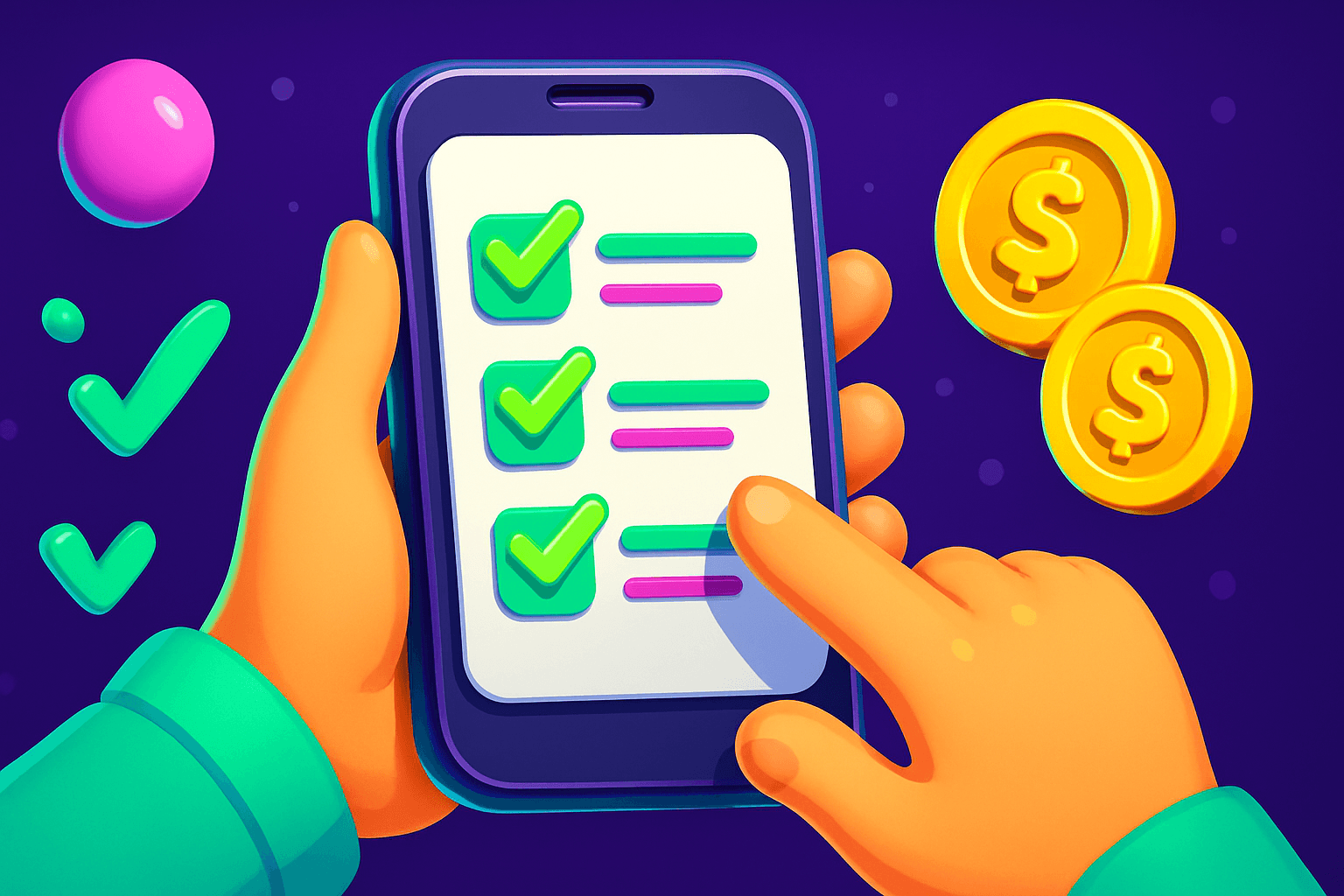
Don't waste hours on a dud app. Use this step-by-step checklist to test any app quickly, confirm it is safe, and verify it actually pays before you invest time or personal data.
1) Start with the store page and developer
- Check the app store listing or web landing page for contact info, a privacy policy, and a developer name.
- Look for a real website, not just an app store page. A working support email and an About page are good signals.
- Pay attention to install numbers and ratings. Hundreds of thousands of installs and consistent 4-star reviews are usually better than a flood of 5-star reviews that arrive in a week.
Quick example: if an app claims to be a rewards app, but the store listing has no privacy policy, treat that as a red flag.
2) Read a mix of reviews, not just the top ones
- Scan recent reviews and sort by Most Recent. A sudden spike in negative reviews usually signals a new problem.
- Look for specific complaints about payments, account bans, or broken features. Vague praise like "works great" does not prove payouts.
- Check review dates and reviewer history when possible. Multiple one-line 5-star reviews in a short window can indicate fake reviews.
Real numbers to watch: if multiple users report missed payments of $10 to $50, that is meaningful. Most legitimate side-income apps pay $10 to $150 per month for typical users, so claims of extreme earnings deserve skepticism.
3) Permissions and privacy: ask why, not yes
- On Android and iOS, test the app without granting optional permissions. If core features break when you deny a permission, that permission may be necessary. If not, do not grant it.
- Watch for unnecessary permissions like access to contacts, call logs, or microphone when the app is a browser game or survey tool.
- Read the privacy policy to confirm what data is collected, how long it is kept, and whether data is shared with third parties.
If an app wants more access than it needs, consider alternatives. For most rewards and survey apps, location is often optional, and contacts are never required.
4) Test signup and login flows
- Create a throwaway account first, using an email you can delete later. Avoid linking primary accounts unless necessary.
- Note whether the app uses SMS for verification. SMS is OK, but be cautious when the app requests access to your messages or contacts after verification.
- If the app offers social logins, test both email/password and social options to see which gives more control over data.
Document how long verification takes and whether any manual review is required. Apps that hold funds pending manual review are not automatically bad, but you should be able to contact support about delays.
5) Test core features for 24 to 72 hours
- Use the app as intended for at least one to three days. Track tasks completed, coins or points earned, and any in-app timers or cooldowns.
- Keep a simple log: date, task, expected reward, actual reward. This reveals whether the app pays consistently or only sometimes.
- If the app has a welcome bonus, redeem it to confirm it credits correctly.
Playpot is a free play-to-earn rewards site. Play games, take surveys, and complete app offers to earn coins, then cash out real money via PayPal, Venmo, or Cash App. No download, play right in your browser. Knowing how and when bonuses post helps set realistic earning expectations.
6) Verify payouts with a small test cashout
- Find the minimum cashout threshold and compare it to what you can reasonably earn. If the minimum is unrealistically high, skip the app.
- Complete the minimum payout and request a cashout. Time the process and note the payment method offered.
- Keep realistic expectations: many legitimate apps have a minimum cashout around $10 to $25 and take 3 to 14 days to process.
For example, check whether the app supports common reward methods like PayPal, Venmo, Cash App, Zelle, or gift cards. Playpot lists reward methods including PayPal, Venmo, Cash App, Zelle, gift cards, and has a minimum cashout of $20 (minCashoutUsd: 20). Those concrete details matter when you evaluate if an app fits your cashout needs.

7) Check customer support and dispute handling
- Send a support request about a small issue and note response time and tone.
- Look for in-app help, a knowledge base, or an FAQ. Good apps document typical payout times and rules.
- If support tries to upsell or avoid answering payout questions, that is a warning sign.
Document any unresolved issues. If support cannot explain why a payout was delayed beyond the stated window, prioritize other apps.
8) Performance and battery cost
- Monitor app battery and data usage for a couple of days. Apps that drain battery or use lots of background data can eat into your time and phone lifespan.
- Test the app on the platforms it claims to support. If the app lists supported platforms like Web, iOS, Android, Desktop, try the one that suits you best.
- Consider whether a browser-based app could replace a full install to reduce device impact.
9) Reputation outside the store
- Search for the app name plus terms like "scam", "payout", or "review". Independent forum threads and Reddit posts often reveal recurring issues.
- Check social media mentions and how the developer responds to criticism.

10) Red flags to note immediately
- No privacy policy, no contact info, or promises of unrealistic earnings.
- Requests for sensitive personal data beyond ID verification, such as bank login credentials.
- Poor or non-existent support response on payout issues.
A handy app for this
Birthday Hunter aggregates birthday freebies and perks from major brands, which helps when you review rewards or promo-based apps. It is useful for anyone testing apps that promise sign-up bonuses or seasonal rewards, because you can compare what offers are widely available versus what a single app claims. If you want to verify whether a birthday or sign-up bonus is unique, Birthday Hunter saves time.
Preflight checklist you can copy
- Store page: privacy policy and contact info present
- Reviews: recent negative trends absent
- Permissions: only necessary permissions requested
- Signup: test with throwaway email or social login
- Core features: track earnings for 48 hours
- Payout test: cash out minimum and time the transfer
- Support: send a ticket and note response time
- Performance: monitor battery and data use
- Reputation: quick web search for scam reports
Final notes
Be realistic about earnings. Most legitimate side-income apps pay $10 to $150 per month for most users. If an app looks promising after these tests, it may be worth investing more time. For play-to-earn or rewards apps, consider testing the smallest useful amount, confirm the payout via a reliable method, and keep records of your tests.
A quick example to illustrate the whole process: find an app, sign up with a throwaway email, claim a small welcome bonus if available, do a few tasks for 48 hours, log rewards, request the minimum payout, and verify payment. If everything checks out, you can scale time investment with confidence. Remember the tagline for some rewards apps: Tap. Play. Cash out.
If you want a concrete starting point for rewards apps, look for services that clearly list supported payout options and thresholds, document their processes, and have a working support channel before you commit your time.
Turn this into real money with Playpot
Play games, take surveys, and complete offers — earn from your very first one and cash out real money.
Play nowGet the best-paying offers by email
Drop your email and we will send the best-paying offers so you can start earning the moment you sign up.
We use your email to send the bonus code and occasional Playpot updates. Unsubscribe in one click.