Accessible apps with simple interfaces for older users
Find easy, senior-friendly apps for communication, health, entertainment, and rewards. Practical setup tips, real expectations, and one simple rewards app to try.
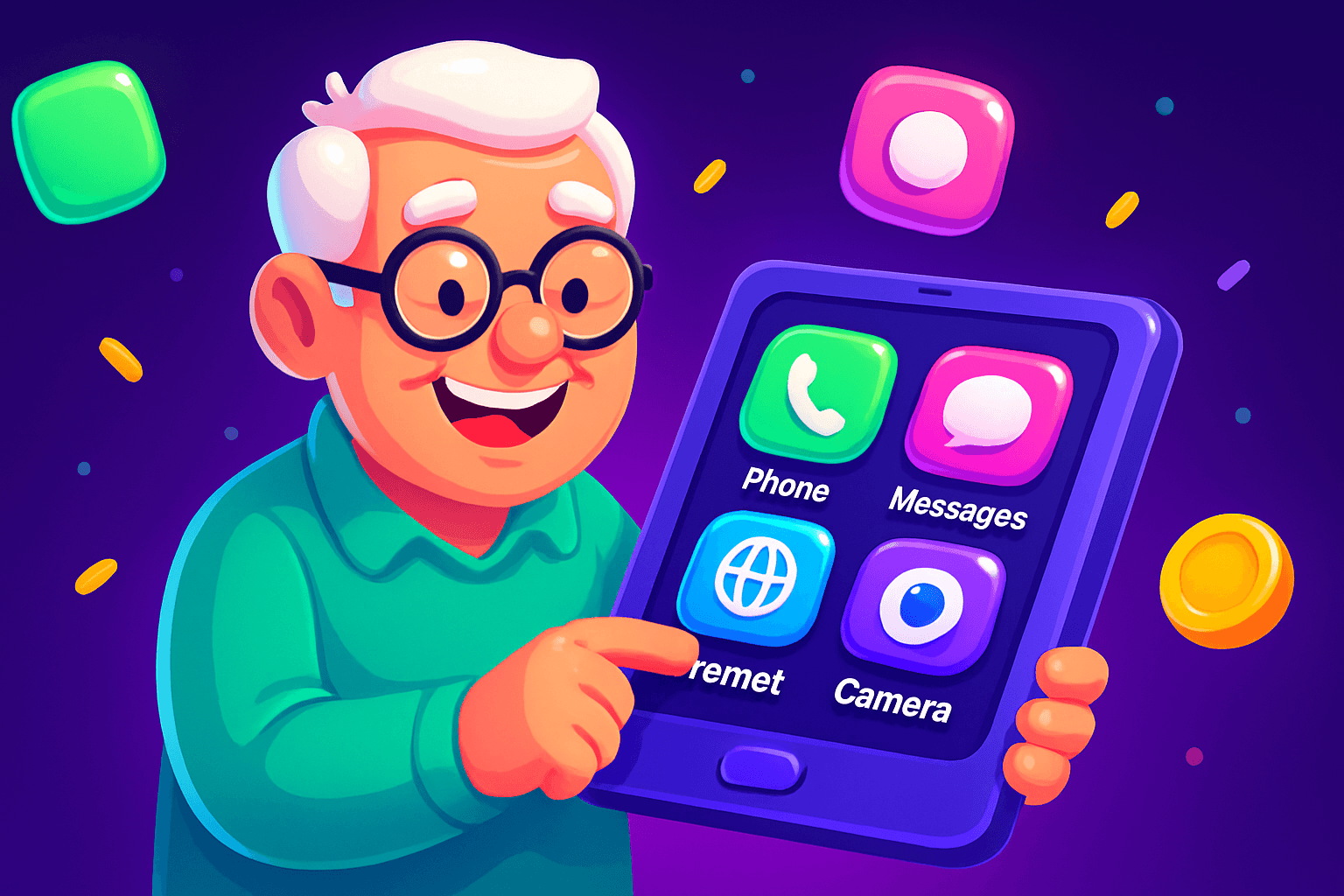
Start with one promise: simplicity matters more than features. Older users adopt apps that are obvious, forgiving, and fast to return to when they need them. This guide picks apps and setup tricks that reduce friction, plus a gentle rewards app that works on iOS and Android.
What makes an app senior-friendly
Look for these traits first. They matter far more than being the latest or most feature-rich option.
- Big, high-contrast icons and text. Readability beats compact design. Increase font size where possible.
- Minimal steps for core tasks. One or two taps to get a result keeps frustration low.
- Clear, consistent navigation. Predictable placement of back, home, and settings reduces confusion.
- Forgiving input and undo options. Accidentally tap a wrong button? Easy ways to reverse it are calming.
- Good customer support and tutorials. Short video walkthroughs help more than long manuals.
Also consider device compatibility. Older phones can be sluggish. Prefer apps that run well on older iOS and Android devices, and that let you disable animations or background updating.
Communication and connection picks
Staying in touch is often the top priority. Pick apps that match the tech comfort of the person who will use them.
- Built-in Phone and Messages: Use larger font settings, add favorite contacts, and pin frequent numbers to one-screen access.
- Video calling: Zoom and FaceTime work well. Create a calendar invite so the user only taps one link at meeting time.
- Messaging with big icons: WhatsApp and Messenger let you enlarge text and use voice notes, which are easier than typing for many users.
Tip: Create a single folder on the home screen labeled "Call and Chat". Put only two or three apps inside to avoid overwhelm.

Health, safety, and daily life apps
Practical apps are valued when they save small hassles.
- Med reminders: Apps like Medisafe offer clear reminders and confirmation prompts. Set alarms with loud tones and a repeat schedule.
- Emergency and safety: Show how to use medical ID on the lock screen and program emergency contacts into speed-dial.
- Magnifier and accessibility tools: Teach the built-in magnifier and voice access features. These solve many small problems without new apps.
- Audiobooks and simple entertainment: Audible and large-text news readers help when vision or concentration is lower.
Keep settings consistent. If you enable larger text in one app, make the system large text the same so the user does not feel disoriented moving between apps.
How to set up an app environment that reduces confusion
Follow a few setup rules and you can cut questions in half.
- One screen, one purpose. Make the home screen a launchpad for one or two tasks. Favorites, camera, and a big emergency button are often enough.
- Single-account sign-ins where possible. Use password managers or set up biometric logins so the user taps and gets in. Save recovery steps in a printed note.
- Shortcuts and widgets. Add a weather widget, medication widget, and a one-tap calling shortcut for their top contacts.
- Minimize notifications. Disable apps that buzz often. Only the essentials should alert the user.
- Teach with a checklist. A three-step printed card beats a long video. Example card: "1. Tap green phone, 2. Tap Mom, 3. Press call." Keep the language concrete.

A simple rewards app to try
Light, optional ways to earn small extras can be enjoyable and motivating. If an older user likes casual games or short tasks, consider Playpot. Tagline: Tap. Play. Cash out.
Playpot is a free play-to-earn rewards app. Earn coins by playing games, completing tasks, watching videos, and spinning a daily wheel, then cash out real money via PayPal, Venmo, or gift cards. The app is available on iOS and Android. Payout options include PayPal, Venmo, and Amazon gift cards.
Why it can work for seniors: Playpot has a simple premise, large tappable actions, and short sessions. It is not a full-time income source. Typical rewards apps pay modestly. Realistic monthly extras are often in the $10 to $150 range for most users, depending on how much time they spend. For a casual user who opens an app for 5 to 15 minutes a day, expect small, steady gains and occasional gift cards that cover a treat or a household item.
Setup tips for older users:
- Help create an account and verify email or phone the first time.
- Show how to find the daily wheel and short tasks, then bookmark that spot on the home screen.
- Explain the cashout threshold clearly: you must reach $20 to request a payout. If $20 feels high, show how small daily earnings add up over a few weeks.
- Use PayPal or Venmo if the user prefers direct deposits, or pick Amazon gift cards if they buy online.
Keep expectations grounded. Let Playpot be an occasional, fun activity. If a user likes casual games or short tasks, the app gives an easy way to earn small rewards without complicated menus.
Also worth a look
Birthday Hunter collects 500 plus birthday freebies from major brands so you can grab deals without joining dozens of loyalty programs. It helps older users find simple freebies like a free coffee or meal on their birthday, which pairs well with a low-effort rewards habit. Use it to plan a small treat without hunting multiple sites.

Quick recap and next steps
Pick one priority for the person you are helping. Make their home screen do that one thing quickly. Favor apps with big text, clear feedback, and undo options. If they enjoy light games or tasks, Playpot is an easy, simple rewards option to try, available on iOS and Android, with PayPal, Venmo, or Amazon gift card payouts and a $20 cashout threshold.
Start with a single onboarding session. Set up accounts, add shortcuts, and print a two-line cheat sheet. Revisit settings after a week. Small changes up front make apps feel friendly instead of intimidating, and that encourages regular, confident use.
Turn this into real money with Playpot
Play games, take surveys, and complete offers — earn from your very first one and cash out real money.
Play nowGet the best-paying offers by email
Drop your email and we will send the best-paying offers so you can start earning the moment you sign up.
We use your email to send the bonus code and occasional Playpot updates. Unsubscribe in one click.