5 privacy clauses in app terms you should actually understand
Skip the legalese. A plain-language guide to five common app privacy clauses, what they mean for your data, and quick actions you can take right now.
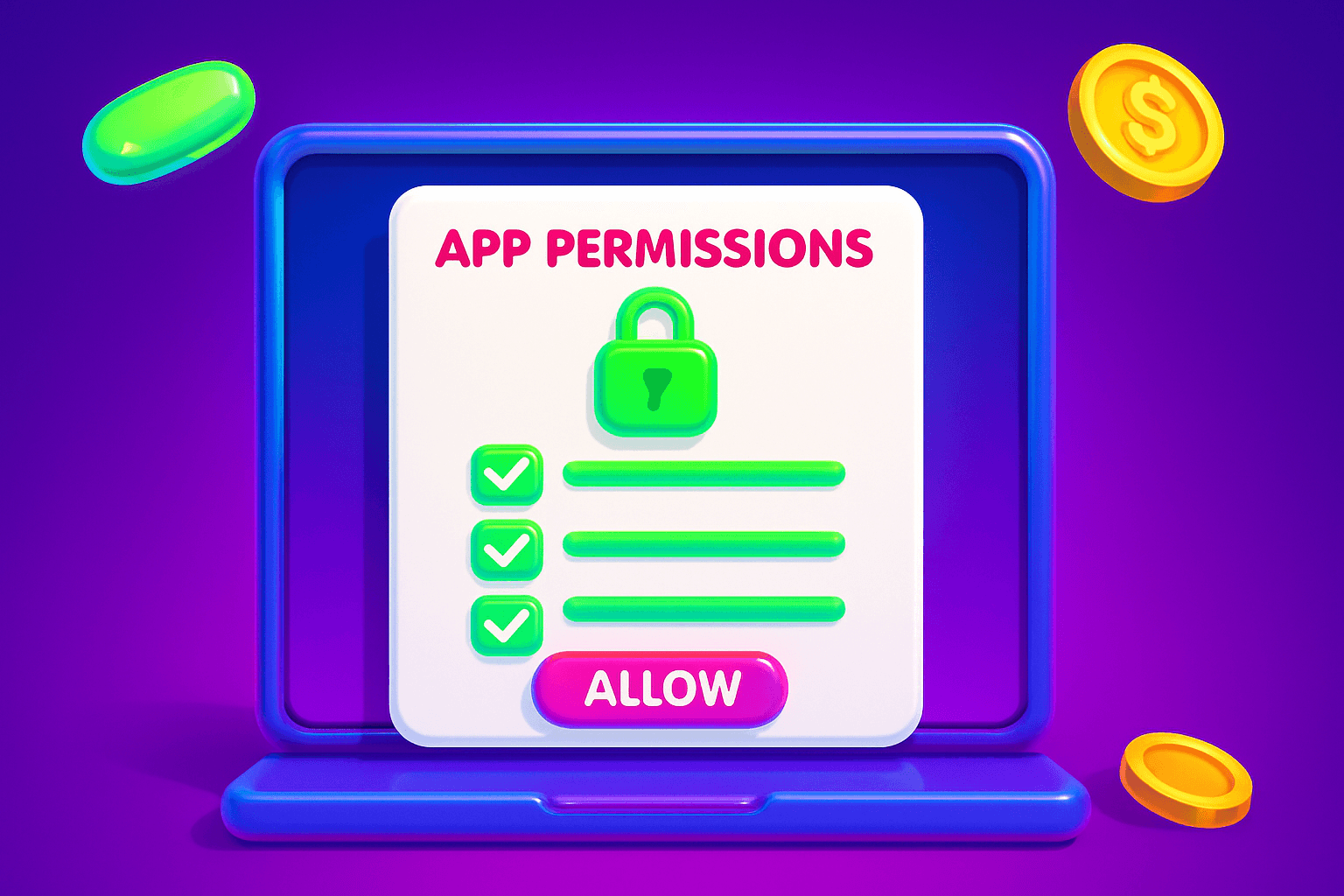
Read this before you tap Accept
App terms can be long and dull, but five short clauses decide what happens to your photos, location, contacts, and money. Learn the plain-language meaning of each clause, what red flags to watch for, and quick actions you can take in under five minutes.
1) What data they collect, and how specific it is
What to look for: a list or paragraph naming data types, for example: name, email, contacts, device identifiers, location, in-app activity, and payment info. Good wording names categories. Vague wording like "other information" is a red flag because it gives the company wide latitude.
Why it matters: the more detailed the list, the easier it is to decide if the app needs that data. If an app only needs an email to set up your account, it should not ask for contacts or precise location.
What to do: toggle app permissions right after install and check the actual data flows inside the app. On iOS and Android you can turn off contacts or location access and still use many features. Ask yourself, does this app need this permission to work?
Quick check: If the app collects identifiers such as advertising IDs or device fingerprints, expect cross-app tracking. That is common in free apps that run ads.
2) How they use your data, and whether they share it
What to look for: explicit purposes like "to provide the service," "to personalize ads," or "to share with partners." If the clause lists ad networks, analytics companies, or advertisers, your data is being shared beyond the app.
Why it matters: "Provide the service" sounds safe, but it can be stretched to include analytics and advertising. The key difference is whether your data is used for internal improvement only, or sold/shared with third parties for marketing.
Red flags: language that allows "sale" of data, or broad phrases such as "for any business purpose." Those phrases let companies trade user profiles.
Quick actions: Look for a privacy setting labeled "personalization" or "ads." Opt out where possible. In the U.S., some apps offer limited rights to opt out of sales for California residents. If the app has no clear control, consider alternatives.
3) Retention and deletion policies
What to look for: how long your data is kept, whether account deletion truly deletes your data, and instructions for requesting deletion. Good terms give a time frame and a clear process.
Why it matters: some apps keep data for legal reasons, backups, or analytics. Others keep it indefinitely. If an app says data is retained "as long as necessary," ask what that means.
Red flags: no retention period, or a burdened deletion process that requires emailing a form and waiting weeks. Also watch for clauses that say data is anonymized rather than deleted. Anonymized data can sometimes be reidentified.
Quick template: Use a short message to request deletion. For example, "Please delete my account and all personal data associated with [email or username], and confirm when complete." Save a copy of your request.
4) Device and location permissions
What to look for: how the app uses location (precise, approximate, or only when in use), and whether it requests background access. Also watch for camera, microphone, and contact access clauses.
Why it matters: location and background permissions are powerful. A weather app may only need location while you use it. If it requests background location or frequent GPS pings, think twice.
Red flags: Always-on background access without a clear feature requiring it. Permissions justified by vague benefits like "improving experience."
Quick actions: On your phone, change location to "while using the app" or deny background access. Test app behavior after turning a permission off. If core features still work, leave the permission off.
5) Third-party SDKs, trackers, and analytics
What to look for: mentions of analytics services, ad networks, or SDK providers. These are third-party pieces of code embedded in the app that can collect and share data.
Why it matters: SDKs can send data to ad tech companies that build profiles across many apps. Even if the app itself has modest data needs, included SDKs can leak more information.
Red flags: a long list of unknown third-party names with no explanation. No way to opt out of tracking. Promises to "aggregate" data without detail.
Quick actions: Use platform-level privacy tools. On iOS, check the app privacy label and opt out of tracking under iOS settings when prompted. On Android, limit ad tracking in Google settings and review permissions. If you cannot limit tracking, reconsider whether the convenience is worth the tradeoff.
A handy app for this
Birthday Hunter collects birthday freebies and reward details from many brands, which can help you evaluate which apps and services are worth sharing personal data with. It is useful for people who want to maximize freebies while minimizing unnecessary accounts or loyalty signups. Try it to find birthday reward programs without signing up for dozens of loyalty networks yourself.

Quick checklist and next steps
- Scan the clauses above when you install a new app: collection, use, retention, permissions, third-party SDKs.
- Turn off nonessential permissions immediately and test the app.
- Use the deletion template if you want to leave, and keep a copy of the request.
- Opt out of personalization ads where possible.
If you use rewards apps, pick ones that are clear about privacy. For example, Playpot is a free play-to-earn rewards site. Play games, take surveys, and complete app offers to earn coins, then cash out real money via PayPal, Venmo, or Cash App. No download, play right in your browser. Playpot's tagline is "Tap. Play. Reward methods include PayPal, Venmo, Cash App, Zelle, gift cards. Playpot works on Web, iOS, Android, Desktop.
Small privacy wins add up. If an app fails the five-clause checklist, consider a similar app with clearer terms or fewer permissions. Protecting your data is about a few minutes of setup now, and clearer choices later.
Turn this into real money with Playpot
Play games, take surveys, and complete offers — earn from your very first one and cash out real money.
Play nowGet the best-paying offers by email
Drop your email and we will send the best-paying offers so you can start earning the moment you sign up.
We use your email to send the bonus code and occasional Playpot updates. Unsubscribe in one click.